

Scheduling meetings can be a tedious task. TidyCal aims to simplify this process.
TidyCal is a powerful scheduling tool designed to make booking meetings easier. It offers a range of features like customizable booking pages and calendar integrations. These features help streamline your scheduling process, saving you time and effort. Whether you are a freelancer, coach, or team manager, TidyCal provides the tools you need to manage your availability and bookings efficiently. With integrations for Google, Office 365, and iCal, along with support for paid consultations through Stripe and PayPal, TidyCal is a versatile solution. Discover how TidyCal can transform your scheduling experience by exploring its features and benefits here.
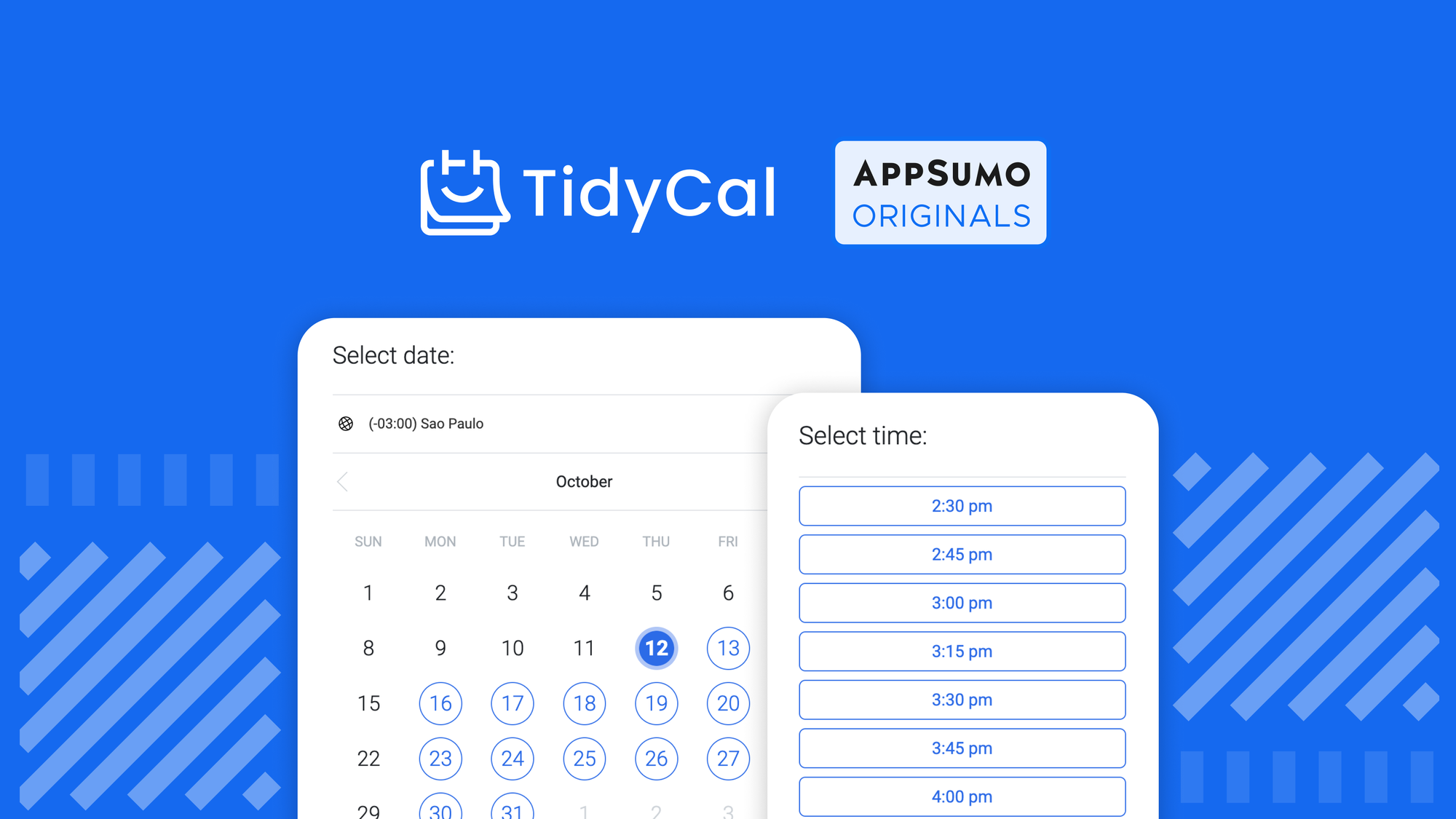
Credit: appsumo.com
Introduction To Tidycal
Booking meetings can often be a time-consuming task, but with TidyCal, the process becomes seamless and efficient. This powerful scheduling software is designed to help you manage your time better by integrating with various calendars and offering a range of customizable features.
What Is Tidycal?
TidyCal is a scheduling tool that simplifies the process of booking meetings. It offers customizable booking pages, calendar integrations, and automation features. These tools help streamline your scheduling process.
Purpose And Use Cases
TidyCal is designed to serve multiple purposes, making it a versatile tool for various professionals. Below are some of its key use cases:
- Customizable Booking Pages: Create unique booking pages to suit different meeting formats, such as one-on-one, group, free, or paid.
- Calendar Integration: Sync with Google, Office 365, and iCal to avoid scheduling conflicts.
- Payment Integrations: Accept payments via Stripe and PayPal for paid consultations or coaching sessions.
- Automation Features: Automatically generate meeting URLs with Zoom and Google Meet.
- GDPR Compliance: Ensure data protection and privacy compliance.
- Custom Email Reminders: Send personalized reminders to ensure attendees remember their appointments.
- Date Polls: Coordinate events by polling participants for their availability.
- Package Bookings: Offer bundled sessions and guest invites to enhance your service offerings.
- Analytics and Stats Tracking: Monitor your booking performance with detailed analytics.
TidyCal also offers two pricing tiers to cater to different needs:
| Tier | Price | Features |
|---|---|---|
| Tier 1 (Individual) | $39 (one-time) |
|
| Tier 2 (Team/Agency) | $79 (one-time) |
|
Both tiers come with a 60-day money-back guarantee and lifetime access to future updates. This ensures you always have the latest features and improvements.
Key Features Of Tidycal
Tidycal is a powerful scheduling software that simplifies booking meetings. It integrates with various calendars, offers customizable booking pages, and includes automation features. Below are the key features that make Tidycal a preferred choice for managing and scheduling meetings efficiently.
Tidycal boasts a user-friendly interface designed for ease of use. The intuitive dashboard allows users to navigate and set up their bookings effortlessly. With just a few clicks, users can manage their availability and schedule meetings without any hassle.
Tidycal integrates seamlessly with popular calendars such as Google, Office 365, and iCal. This ensures that users can avoid conflicts and manage all their appointments in one place. The integration is smooth and requires minimal setup, making it convenient for users to sync their schedules.
Tidycal offers customizable booking pages that cater to various meeting formats. Users can create unlimited booking types for one-on-one, group, free, and paid meetings. The booking pages are designed to reflect the user’s brand, providing a professional and personalized touch.
With Tidycal, users can set up automated reminders and notifications to ensure they never miss a meeting. The tool allows custom email reminders to be sent to both the host and the attendees. This feature helps in reducing no-shows and ensures that everyone is on the same page regarding the meeting schedule.
| Feature | Description |
|---|---|
| Customizable Booking Pages | Unlimited booking types for various meeting formats |
| Calendar Integration | Integrates with Google, Office 365, and iCal |
| Automated Reminders | Custom email reminders for meetings |
Incorporating these features, Tidycal streamlines the scheduling process and enhances productivity. Whether it’s for individual use or team collaboration, Tidycal provides a comprehensive solution for managing meetings efficiently.
User-friendly Interface
TidyCal offers a highly user-friendly interface designed to simplify scheduling. Its intuitive layout ensures users can navigate and manage their bookings with ease. Let’s delve into the specifics.
Easy Navigation
The navigation in TidyCal is straightforward and uncluttered. Users can access all essential features from the main dashboard. Key components like booking pages, calendar integrations, and automation tools are just a few clicks away.
- Dashboard: Offers a quick overview of upcoming appointments.
- Booking Pages: Customize and manage booking types.
- Integrations: Easily connect with Google, Office 365, and iCal.
Clear labels and a logical structure help users find what they need without hassle.
Intuitive Design
The design of TidyCal is clean and intuitive. It focuses on user experience. The layout is simple, with ample white space and clear fonts. This ensures readability and reduces cognitive load.
Key elements like booking options, calendar integrations, and analytics are presented in an organized manner. This makes it easier for users to understand and utilize the features effectively.
Automation features like auto-generated meeting URLs with Zoom and Google Meet are seamlessly integrated. Users can set up meetings without manual effort.
TidyCal’s intuitive design ensures a smooth experience. Even non-tech-savvy users can manage their schedules efficiently.
| Feature | Details |
|---|---|
| Booking Pages | Customizable and easy to manage |
| Calendar Integrations | Google, Office 365, iCal |
| Automation | Auto-generated meeting URLs |

Credit: roadmap.tidycal.com
Seamless Calendar Integration
TidyCal makes scheduling meetings smooth with its seamless calendar integration. It ensures that you never miss an appointment and manage your time effectively.
Supported Calendar Platforms
TidyCal integrates with popular calendar platforms to keep your schedule organized. The supported platforms include:
- Google Calendar
- Office 365
- iCal
Connecting these calendars helps in avoiding conflicts and double bookings. You can manage all your appointments in one place.
Real-time Syncing
Real-time syncing is a key feature of TidyCal. Once you connect your calendars, any changes made in your calendar are instantly reflected in TidyCal.
This ensures up-to-date availability, reducing the risk of scheduling errors. Your clients and colleagues will always see the correct available slots.
With real-time syncing, managing your schedule becomes hassle-free and efficient.
Customizable Booking Pages
Creating a seamless booking experience is crucial for businesses and professionals. TidyCal’s customizable booking pages offer a unique solution. These pages can be tailored to fit your specific needs, ensuring a personalized touch for each booking. Let’s explore the key features in detail.
Personalized Booking Links
With TidyCal, you can create personalized booking links. These links can be branded with your business name, making them easy to recognize. You can share these links through email, social media, or your website. This feature helps in maintaining a professional appearance and builds trust with your clients.
Custom Fields And Questions
Another feature of TidyCal’s customizable booking pages is the ability to add custom fields and questions. This allows you to gather important information from your clients before the meeting. You can add fields for contact information, preferences, or specific questions related to the meeting.
| Field Type | Description |
|---|---|
| Text | For gathering short answers, like names or preferences. |
| Dropdown | To provide a list of options for the client to choose from. |
| Checkbox | To allow clients to select multiple options. |
Using custom fields ensures that you have all necessary details before the meeting. This preparation can lead to more productive and focused sessions.
TidyCal’s customizable booking pages are designed to enhance your booking process. Personalized links and custom fields make the experience unique and tailored to each client.

Credit: m.youtube.com
Automated Reminders And Notifications
Managing your schedule can be a hassle, especially with multiple meetings and events. TidyCal simplifies this by offering automated reminders and notifications. This feature ensures you never miss an important meeting.
Email And Sms Alerts
TidyCal provides both email and SMS alerts for upcoming meetings. Users can receive notifications directly to their inbox or phone. This dual-alert system helps keep you informed and prepared.
| Alert Type | Description |
|---|---|
| Email Alerts | Receive detailed meeting info directly in your email. |
| SMS Alerts | Get quick notifications on your phone for better convenience. |
Reminder Customization
With TidyCal, you can customize reminders based on your preferences. Set reminders at specific intervals, such as 24 hours or 30 minutes before a meeting. This ensures you are always prepared.
- Choose your preferred notification method.
- Set multiple reminders for the same event.
- Personalize the content of your reminders.
This level of customization allows for a more tailored and effective reminder system. TidyCal’s automation features make scheduling seamless and stress-free.
Pricing And Affordability
TidyCal offers a variety of pricing options to suit different needs and budgets. With both free and paid plans available, users can choose the best option for their scheduling requirements.
Subscription Plans
| Plan | Price | Features |
|---|---|---|
| Tier 1 (Individual) | $39 (one-time purchase) |
|
| Tier 2 (Team/Agency) | $79 (one-time purchase) |
|
Free Vs. Paid Features
The free version of TidyCal includes basic scheduling features. But the paid plans offer a lot more.
Free Features:
- Customizable booking pages
- Calendar integration with Google, Office 365, and iCal
- GDPR-compliant
Paid Features:
- Unlimited booking types (one-on-one, group, free, paid)
- Payment integrations with Stripe and PayPal
- Automation features like auto-generated meeting URLs with Zoom and Google Meet
- Custom email reminders
- Date polls for event coordination
- Package bookings and guest invites
- Analytics and stats tracking
- Confirmation redirects and booking limits
Choosing a paid plan can enhance your scheduling experience, making it seamless and efficient.
Pros And Cons Of Tidycal
Understanding the pros and cons of Tidycal can help you decide if this scheduling tool fits your needs. Below, we will discuss the advantages and limitations of using Tidycal for booking meetings.
Advantages
Tidycal offers various benefits that make scheduling simpler and more efficient:
- Customizable booking pages allow you to tailor meeting setups to your preferences.
- Unlimited booking types support different meeting formats like one-on-one, group, free, and paid.
- Calendar integration with Google, Office 365, and iCal helps avoid scheduling conflicts.
- Payment integrations with Stripe and PayPal facilitate paid consultations.
- Automation features such as auto-generated meeting URLs with Zoom and Google Meet save time.
- GDPR-compliant, ensuring your data is handled securely.
- Provides custom email reminders to keep participants informed.
- Includes date polls for event coordination and package bookings.
- Analytics and stats tracking for performance insights.
- Offers confirmation redirects and booking limits for better control.
Limitations
While Tidycal boasts many features, it also has some limitations:
- Reduced Tidycal branding only available in Tier 1 and above.
- Dedicated Teams page and round-robin meetings are exclusive to Tier 2.
- The one-time payment might seem high for individual users.
- Limited to 10 calendar connections in Tier 1, which may not suffice for larger teams.
- Advanced integrations and directory access are restricted to higher tiers.
| Feature | Tier 1 | Tier 2 |
|---|---|---|
| Price | $39 (one-time) | $79 (one-time) |
| Calendar Connections | 10 | 25 |
| Booking Types | Unlimited | Unlimited |
| Reduced Branding | Yes | Yes |
| Dedicated Teams Page | No | Yes |
| Round-Robin Meetings | No | Coming Jan/Feb 2025 |
By weighing these advantages and limitations, you can determine if Tidycal aligns with your scheduling requirements.
Ideal Users And Scenarios
TidyCal is a versatile scheduling tool, perfect for various users. It simplifies booking meetings with customizable pages and calendar integrations. Let’s explore who benefits the most.
Best For Small Businesses
Small businesses often struggle with managing multiple meetings. TidyCal offers unlimited booking types and customizable booking pages, making it easier to handle different meeting formats.
- Integration with Google, Office 365, and iCal
- Payment options through Stripe and PayPal
- GDPR-compliant features for secure scheduling
These features ensure that small business owners can manage their time efficiently. They can avoid conflicts and streamline their scheduling process.
Perfect For Freelancers And Consultants
Freelancers and consultants need to manage their time efficiently. TidyCal’s automation features are ideal for this.
- Auto-generated meeting URLs with Zoom and Google Meet
- Custom email reminders
- Date polls for event coordination
These features help freelancers and consultants to focus on their work. They can manage their bookings without hassle.
Great For Personal Use
Even for personal use, TidyCal offers valuable features. It allows users to book meetings with ease.
- Package bookings and guest invites
- Analytics and stats tracking
- Confirmation redirects and booking limits
These features ensure that personal appointments are managed effectively. Users can track their meetings and ensure timely scheduling.
Explore more about TidyCal here.
Frequently Asked Questions
What Is Tidycal?
Tidycal is a scheduling tool that simplifies booking appointments. It integrates with your calendar and offers customizable booking pages.
How Does Tidycal Work?
Tidycal syncs with your existing calendar. It allows others to book available slots on your schedule, eliminating back-and-forth emails.
Can Tidycal Integrate With Other Tools?
Yes, Tidycal integrates with popular calendars like Google Calendar and Microsoft Outlook, ensuring seamless scheduling and organization.
Is Tidycal User-friendly?
Absolutely, Tidycal is designed with a simple and intuitive interface. It makes scheduling appointments quick and hassle-free for users.
Conclusion
TidyCal stands out as a powerful scheduling tool. It simplifies meeting bookings with ease. Enjoy customizable booking pages and seamless calendar integrations. Manage your time better with automated features and payment integrations. Perfect for individuals and teams. Interested in learning more? Discover TidyCal today at TidyCal.

One Response