

Managing PDFs can be a hassle without the right tools. GoPDF offers a comprehensive solution to streamline your document handling needs.
GoPDF is an all-in-one PDF editor that simplifies editing, converting, and managing PDFs. With features like AI interaction tools, text editing, and file merging, it stands out as a versatile tool for professionals and students alike. Whether you need to convert files, compress them, or even interact with them using AI, GoPDF has you covered. Plus, with cross-device functionality, you can work on your documents anytime, anywhere. Curious about the pricing? Let’s dive into the cost-effective plans that GoPDF offers to help you manage your PDFs efficiently. For more details, check out GoPDF’s comprehensive offerings here: GoPDF Pricing.
Introduction To Gopdf
GoPDF is a powerful online PDF editor that simplifies document management. It provides a range of tools for editing, converting, and managing PDFs. You can use it on various devices, including Mac, iPhone, and iPad. This makes GoPDF a versatile tool for all your PDF needs.
What Is Gopdf?
GoPDF is a comprehensive PDF solution designed to improve your document handling experience. It offers a user-friendly interface with features such as:
- AI Interaction Tools: Engage with PDFs using AI-powered chat for better communication and insights.
- PDF Editing: Edit text, add images, fill out forms, and insert links with ease.
- Conversion Tools: Convert PDFs to Word or JPG formats.
- Compression Tools: Reduce PDF file sizes without losing quality.
- Merging Tools: Combine multiple PDF documents into one file.
- Multilingual Interaction: Communicate within documents using multilingual support.
Purpose And Use Cases
GoPDF enhances your workflow with its versatile tools. Here are some use cases:
- Editing PDFs: Perfect for students, professionals, and anyone needing to edit PDF documents.
- Converting PDFs: Useful for converting documents to Word for easier editing.
- Compressing PDFs: Ideal for sharing large files via email or cloud storage.
- Merging PDFs: Helps in consolidating multiple documents into a single file, useful for project reports.
- AI Chat: Provides insights and assistance, enhancing document handling efficiency.
GoPDF’s features make it a valuable tool for anyone looking to manage their documents efficiently. Its cross-device functionality ensures you can access and edit PDFs seamlessly from any device.

Credit: gopdf.io
Key Features Of Gopdf
GoPDF offers a comprehensive suite of tools for managing your PDF documents. From editing and converting to merging and securing, GoPDF ensures a seamless experience for users across different devices. Below are some of the key features that make GoPDF an essential tool for your document management needs.
User-friendly Interface
The user-friendly interface of GoPDF is designed to be simple and intuitive. Users can navigate and use the tools without any hassle. The interface is clean, making it easy for users to find and use the functions they need. Whether you are editing text, adding images, or filling out forms, the process is straightforward.
Advanced Pdf Editing Tools
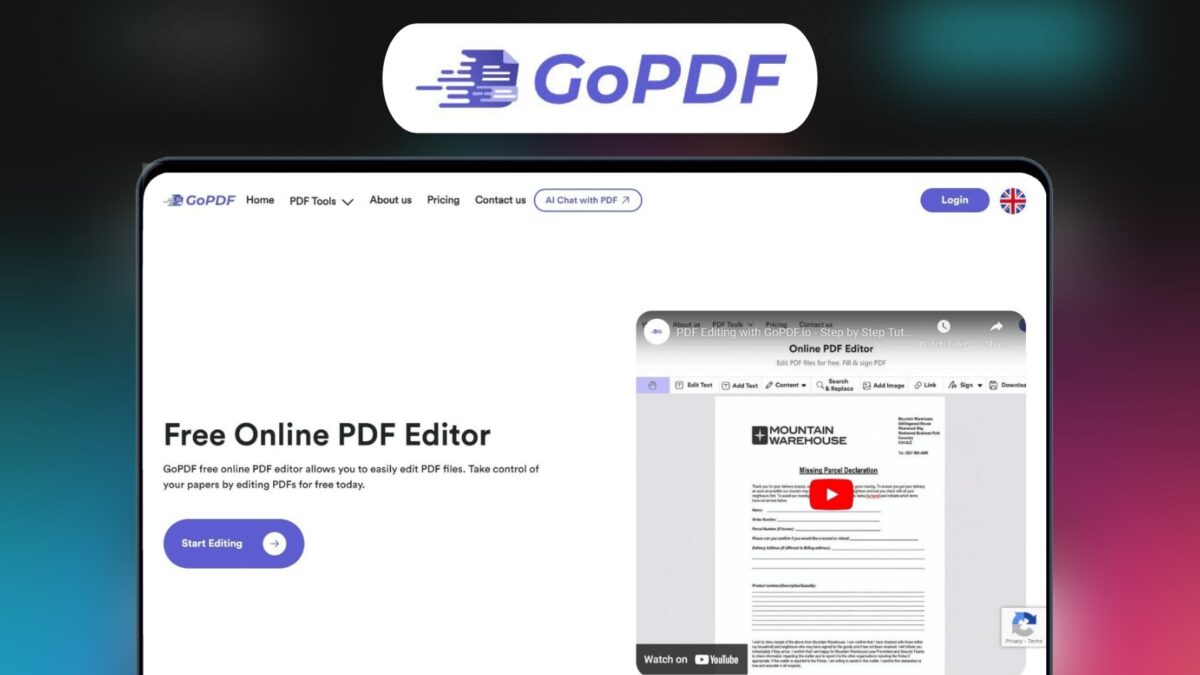
GoPDF provides a range of advanced PDF editing tools. You can edit text, add images, fill out forms, and insert links with ease. The tools are designed to help you make precise and efficient edits. Additionally, GoPDF offers AI-powered chat features for enhanced communication and insights within your documents.
Cloud Integration
With GoPDF, you get extensive cloud integration. This allows you to store and manage your documents securely in the cloud. The storage capacity varies with different plans:
| Plan | Cloud Storage |
|---|---|
| Plan 1 | 500 GB |
| Plan 2 | 1,000 GB |
| Plan 3 | 2,000 GB |
Having cloud storage ensures that you can access and edit your PDFs seamlessly across devices.
Security Features
GoPDF takes document security seriously. It includes robust security features to protect your files. You can encrypt your PDFs, set passwords, and control access to ensure your documents are safe. The security measures are designed to keep your information confidential and secure.
Gopdf Pricing Plans
GoPDF offers a range of pricing plans to suit different needs and budgets. Whether you are looking for basic features or advanced tools, GoPDF has a plan that fits your requirements. Below, we detail the different plans available, including the Free Plan, Basic Plan, Pro Plan, and Enterprise Plan.
Free Plan
The Free Plan is ideal for those who need basic PDF editing features without any cost. This plan includes:
- Limited PDF conversions per month
- Basic editing tools
- Limited cloud storage
This plan is perfect for occasional users who need simple document management solutions.
Basic Plan
The Basic Plan offers more features and is priced at $29 per month, with a 68% discount from its original price of $90. It includes:
| PDF Conversions | 500 per month |
| AI Projects | 30 per month |
| PDF Edits | 300 per month |
| Cloud Storage | 500 GB |
This plan is suitable for small businesses and individuals who require more functionality.
Pro Plan
The Pro Plan is designed for users who need advanced features and more capacity. It costs $58 per month, reduced from the original price of $180. This plan includes:
| PDF Conversions | 1,000 per month |
| AI Projects | 60 per month |
| PDF Edits | 600 per month |
| Cloud Storage | 1,000 GB |
This plan is ideal for medium-sized businesses and professionals who need extensive document management tools.
Enterprise Plan
The Enterprise Plan is the most comprehensive offering, priced at $87 per month, which is a significant discount from its original price of $270. It includes:
| PDF Conversions | 5,000 per month |
| AI Projects | 500 per month |
| PDF Edits | 2,000 per month |
| Cloud Storage | 2,000 GB |
This plan is best suited for large organizations that require robust document management and extensive usage.
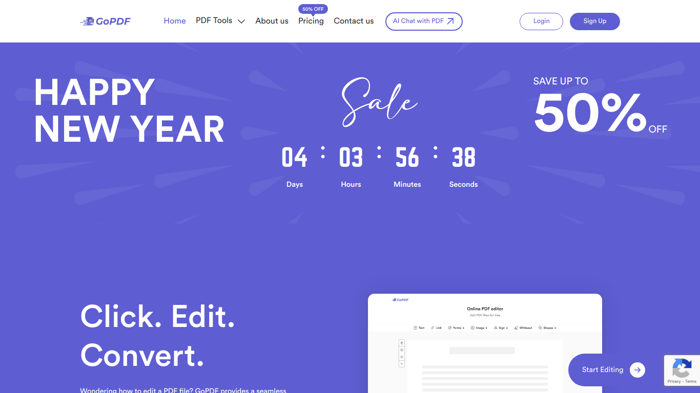
All plans come with a 60-day money-back guarantee and lifetime access to GoPDF’s features. Additionally, users get access to the GoPDF Mobile App for one year with any purchase.
Credit: allthingsai.com
Value For Money: Gopdf Pricing Breakdown
When considering a PDF solution, value for money is crucial. GoPDF offers various pricing plans designed to fit different needs, ensuring you get the most out of your investment. This section breaks down the pricing structure, comparing features across plans, cost efficiency for small businesses, and savings for large enterprises.
Comparing Features Across Plans
GoPDF offers three distinct plans, each with its own set of features and price points. Here’s a detailed comparison:
| Plan | Price | PDF Conversions/Month | AI Projects/Month | PDF Edits/Month | Cloud Storage |
|---|---|---|---|---|---|
| Plan 1 | $29 | 500 | 30 | 300 | 500 GB |
| Plan 2 | $58 | 1,000 | 60 | 600 | 1,000 GB |
| Plan 3 | $87 | 5,000 | 500 | 2,000 | 2,000 GB |
Cost Efficiency For Small Businesses
Small businesses benefit significantly from GoPDF’s pricing structure. The first plan, priced at $29, offers:
- 500 PDF conversions per month
- 30 AI projects per month
- 300 PDF edits per month
- 500 GB cloud storage
These features are ample for small-scale operations, ensuring efficient document management without overspending.
Savings For Large Enterprises
Large enterprises often have extensive document management needs. GoPDF’s third plan, priced at $87, includes:
- 5,000 PDF conversions per month
- 500 AI projects per month
- 2,000 PDF edits per month
- 2,000 GB cloud storage
This plan provides substantial savings compared to other options, offering comprehensive features to manage large volumes of documents effectively.
Pros And Cons Of Gopdf
GoPDF is a comprehensive online PDF editor that offers various tools for editing, converting, and managing PDFs. Its features aim to enhance document management across devices like Mac, iPhone, and iPad. Understanding the pros and cons of GoPDF helps you make an informed decision.
Advantages Of Using Gopdf
- Enhanced Document Management: GoPDF streamlines workflows with comprehensive editing, conversion, and merging capabilities.
- AI Interaction Tools: Engage with PDFs using AI-powered chat features for enhanced communication and insights.
- Cross-Device Functionality: Access and edit PDFs seamlessly across devices.
- Efficient File Handling: Manage multiple files efficiently with smart tools.
- User-Friendly Interface: Simple and intuitive tools ensure ease of use.
- Multilingual Interaction: Enhanced communication within documents through multilingual support.
Limitations To Consider
Despite its many advantages, GoPDF has some limitations that may affect your experience:
- Conversion Limitations: The number of PDF conversions per month is capped based on the selected plan, which can be restrictive for heavy users.
- AI Project Limits: The number of AI projects per month is limited, potentially impacting users who rely heavily on AI tools.
- Storage Constraints: The provided cloud storage is substantial but may not be sufficient for users with extensive storage needs.
- Cost Considerations: Although discounted, the pricing might still be considered high for some users.
| Plan | Price | Features |
|---|---|---|
| Plan 1 | $29 (68% off from $90) | 500 PDF conversions/month, 30 AI projects/month, 300 PDF edits/month, 500 GB cloud storage |
| Plan 2 | $58 (68% off from $180) | 1,000 PDF conversions/month, 60 AI projects/month, 600 PDF edits/month, 1,000 GB cloud storage |
| Plan 3 | $87 (68% off from $270) | 5,000 PDF conversions/month, 500 AI projects/month, 2,000 PDF edits/month, 2,000 GB cloud storage |
Credit: lifetimo.com
Who Should Use Gopdf?
GoPDF is a versatile tool for managing your PDF documents. Whether you need to edit, convert, merge, or protect your files, GoPDF offers a comprehensive solution. But who should use GoPDF? Below, we break down the ideal users for each pricing plan.
Ideal Users For Free Plan
The Free Plan is perfect for individuals who have minimal PDF management needs. This plan suits:
- Students needing occasional PDF conversions for assignments.
- Freelancers who handle small projects and need basic editing tools.
- Individuals requiring simple PDF interactions, such as filling out forms.
Best Scenarios For Basic And Pro Plans
The Basic and Pro Plans are designed for those with more frequent PDF needs. Consider these plans if you:
- Handle a moderate number of PDF documents regularly.
- Require advanced features such as AI interaction tools.
- Need significant cloud storage for your files.
| Feature | Basic Plan | Pro Plan |
|---|---|---|
| PDF Conversions | 500/month | 1,000/month |
| AI Projects | 30/month | 60/month |
| PDF Edits | 300/month | 600/month |
| Cloud Storage | 500 GB | 1,000 GB |
When To Choose The Enterprise Plan
The Enterprise Plan is ideal for large businesses and organizations. This plan is best for:
- Companies dealing with a high volume of PDF documents.
- Teams needing extensive editing and conversion capabilities.
- Organizations requiring large cloud storage for multiple users.
With the Enterprise Plan, you get:
- 5,000 PDF conversions per month.
- 500 AI projects per month.
- 2,000 PDF edits per month.
- 2,000 GB of cloud storage.
Frequently Asked Questions
What Are The Pricing Plans For Gopdf?
Gopdf offers various pricing plans to fit different needs. Plans range from basic to premium, providing flexibility. Each plan includes different features and support levels.
Does Gopdf Offer A Free Trial?
Yes, Gopdf provides a free trial for new users. This allows you to explore features. You can decide if it meets your needs before purchasing.
Can I Cancel My Gopdf Subscription Anytime?
Yes, you can cancel your Gopdf subscription anytime. There are no long-term commitments. Simply go to your account settings to cancel.
Are There Any Discounts Available For Gopdf?
Gopdf occasionally offers discounts and promotions. Check their website or subscribe to their newsletter. This will keep you updated on any current offers.
Conclusion
Choosing the right GoPDF pricing plan can streamline your PDF tasks. Each plan offers significant features and benefits. You can edit, merge, convert, and more with ease. The AI tools provide additional insights and support. Plans are affordable and come with a 60-day money-back guarantee. For more details, visit GoPDF. Enhance your document management today!
