

Is Picmaker worth it? Yes, it is.
Picmaker is an AI-powered social media toolkit that simplifies content creation, scheduling, and analytics across various platforms. This tool offers a range of features designed to help you create professional-quality social media graphics, automate scheduling, and analyze performance metrics. Picmaker can be a game-changer for individuals and teams managing multiple social media accounts. It offers AI-powered design tools, background removal, and automatic resizing for different platforms. You can connect and publish directly to LinkedIn, Facebook, Instagram, YouTube, TikTok, and Pinterest. With scheduling features and an AI social inbox, managing social interactions becomes easier. The tool also supports team collaboration, making content planning and approval seamless. If you are looking to enhance your social media presence efficiently, Picmaker is worth considering. Try Picmaker now and see the difference it can make for your social media management.
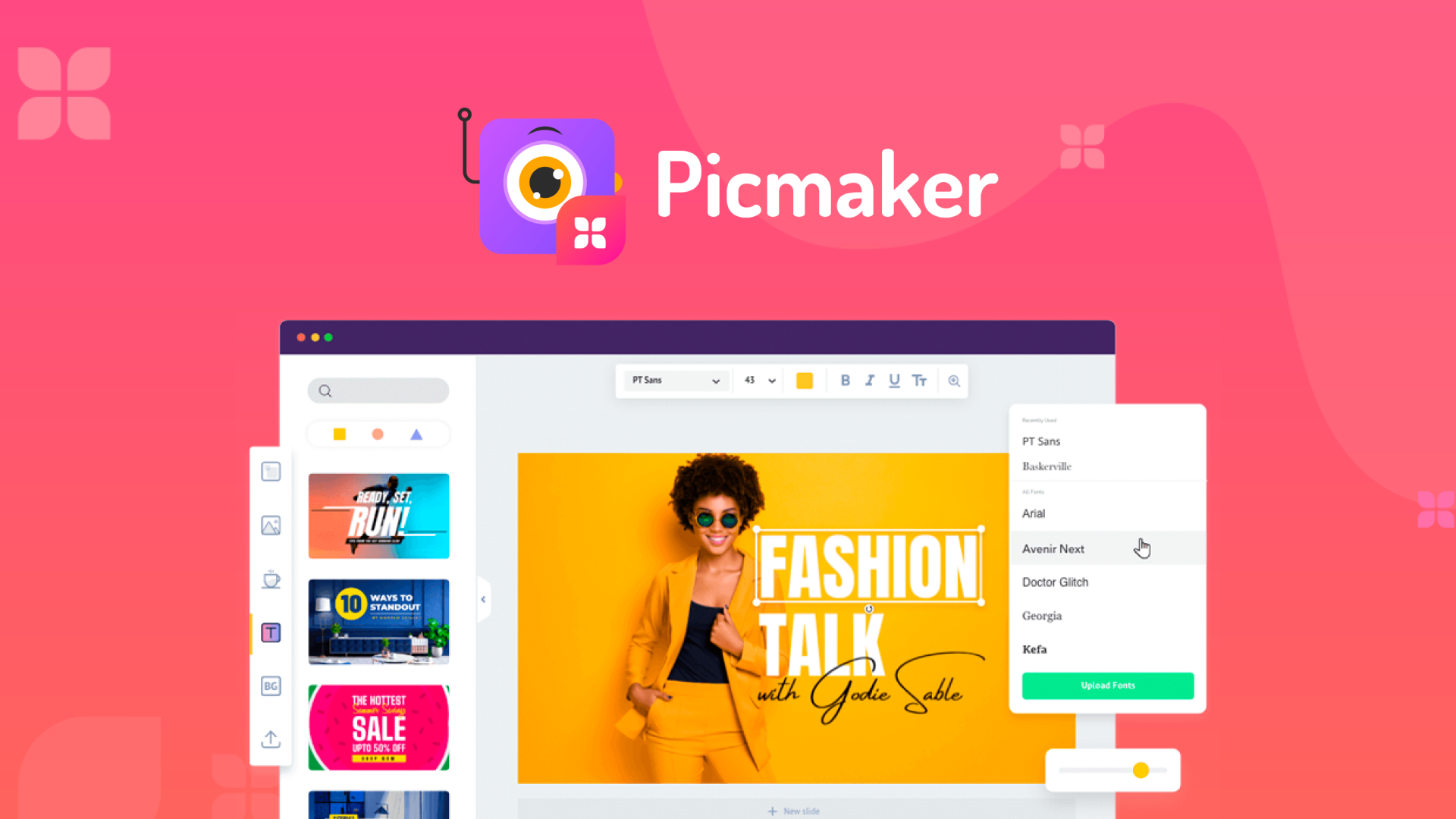
Credit: appsumo.com
Introduction To Picmaker
Picmaker is a powerful AI-powered social media toolkit. It is designed to simplify your social media processes. This tool offers a range of features to create, schedule, and analyze social media content efficiently.
What Is Picmaker?
Picmaker is an AI-driven platform. It assists in creating personalized social media graphics. With a vast library of images, fonts, and graphic elements, users can design appealing visuals effortlessly. Picmaker also offers background removal and automatic resizing for different platforms.
Purpose And Target Audience
The main purpose of Picmaker is to streamline social media management. It is ideal for:
- Social media managers
- Content creators
- Marketing teams
- Small business owners
Picmaker helps these users create high-quality content quickly. It also improves engagement with advanced analytics and enhances collaboration with team features.
Main Features:
| Features | Description |
|---|---|
| AI-Powered Design Tools | Create personalized graphics and access a vast library of design elements. |
| Background Removal | Remove image backgrounds in seconds for professional-grade content. |
| Automatic Resizing | Instantly resize designs for different platforms like Instagram and Facebook. |
| Content Publishing | Connect and publish directly to multiple social media platforms. |
| Scheduling | Schedule posts automatically at optimal times with additional features. |
| Analytics | Track engagement and benchmark against competitors. |
| Team Collaboration | Invite team members to collaborate on content creation and scheduling. |
| Content Planner | Plan and manage social content in a shared calendar. |
| AI Social Inbox | Manage and reply to social interactions from a unified inbox. |

Credit: www.youtube.com
Key Features Of Picmaker
Picmaker is a versatile tool for social media enthusiasts and content creators. It comes with a variety of features designed to make content creation easier and more efficient. Let’s dive into some of the key features that make Picmaker stand out.
Template Library
Picmaker offers a vast template library with numerous design templates for various social media platforms. These templates are professionally designed and can be easily customized to fit your brand. Whether you need a Facebook post, an Instagram story, or a YouTube thumbnail, Picmaker has you covered.
Ai-powered Design Suggestions
The AI-powered design suggestions feature helps you create stunning graphics quickly. The AI analyzes your content and provides design variations that match your style. This can save you a lot of time and ensure your designs are visually appealing.
Customizable Design Elements
Picmaker allows you to customize every aspect of your design. You can adjust fonts, colors, images, and other elements to match your brand identity. The platform also includes a wide range of graphic elements, icons, and stock images to enhance your designs.
Collaboration Tools
Picmaker includes collaboration tools that enable team members to work together on content creation. You can invite team members, share designs, and get feedback in real-time. This enhances the workflow and ensures that everyone is on the same page.
User-friendly Interface
One of the standout features of Picmaker is its user-friendly interface. The platform is designed to be intuitive and easy to navigate, even for beginners. You can drag and drop elements, resize images, and make adjustments with just a few clicks.
In summary, Picmaker’s key features make it a powerful tool for anyone looking to create professional-quality social media content. Its template library, AI-powered suggestions, customizable elements, collaboration tools, and user-friendly interface make it a top choice for content creators.
Pricing And Affordability
One of the key aspects to consider before investing in any software is its pricing and affordability. Picmaker offers a range of pricing tiers to cater to different needs and budgets. Let’s dive into the details to understand if Picmaker is worth your investment.
Pricing Tiers
Picmaker provides three distinct pricing tiers, each designed to offer specific features and benefits. Here’s a breakdown of each tier:
| License Tier | Price | Features |
|---|---|---|
| License Tier 1 | $69 (one-time) |
|
| License Tier 2 | $139 (one-time) |
|
| License Tier 3 | $199 (one-time) |
|
Comparison With Competitors
To assess Picmaker’s affordability, let’s compare it with some competitors:
| Feature | Picmaker | Competitor A | Competitor B |
|---|---|---|---|
| Price | $69 (one-time) | $15/month | $20/month |
| AI-Powered Design Tools | Yes | No | Yes |
| Background Removal | Yes | No | Yes |
| Scheduling | Yes | Yes | No |
| Analytics | Yes | Yes | Yes |
Value For Money
Picmaker offers significant value for money with its one-time purchase pricing. The AI-powered tools and extensive features make it a cost-effective choice for social media management.
With Picmaker, you get a comprehensive toolkit that includes design tools, scheduling, analytics, and collaboration features. This all-in-one solution can save both time and money, making it an excellent investment for individuals and teams alike.
Pros Of Using Picmaker
Picmaker is an AI-powered social media toolkit that offers a variety of benefits. Let’s dive into some of the key advantages, making it a valuable tool for content creators and marketers.
Ease Of Use
Picmaker’s interface is intuitive and user-friendly. Even if you are new to social media management, you can start creating content without a steep learning curve. The AI-powered design tools simplify the process, making it easy to create personalized graphics and templates.
Wide Range Of Templates
Picmaker offers a vast library of design templates suitable for various social media platforms. Whether you need posts for Instagram, Facebook, or YouTube, you will find templates that fit your needs. This extensive selection helps maintain brand consistency and saves time.
Cost-effectiveness
| License Tier | Price | Features |
|---|---|---|
| License Tier 1 | $69 |
|
| License Tier 2 | $139 |
|
| License Tier 3 | $199 |
|
Picmaker’s pricing plans are structured to offer flexibility and value. The one-time purchase options provide significant savings compared to monthly subscriptions, making it a cost-effective choice for businesses of all sizes.
Cons Of Using Picmaker
While Picmaker offers many features for social media management, it also has some drawbacks. Below are a few cons that users might encounter.
Limited Advanced Features
Picmaker’s design tools are quite basic. It lacks advanced design features found in more robust graphic design software. For example:
- Limited typography options.
- Basic photo editing capabilities.
- Restricted design flexibility.
These limitations can be a downside for users needing complex design work.
Performance Issues
Some users have reported performance issues while using Picmaker. These include:
- Slow loading times.
- Occasional crashes.
- Lag during design tasks.
Such issues can disrupt workflow and reduce overall efficiency.
Customer Support
Customer support for Picmaker is another area of concern. Some users have noted:
- Delayed response times.
- Lack of comprehensive help resources.
- Limited support channels.
This can be frustrating, especially when encountering technical issues.

Credit: www.facebook.com
Ideal Users For Picmaker
Picmaker is a versatile AI-powered social media toolkit. It offers a range of features suited for different users. Whether you are a small business, freelancer, or part of an educational institution, Picmaker has something for you. Let’s dive into who benefits the most from this tool.
Small Businesses And Startups
Small businesses and startups often operate with limited resources. Picmaker can help these businesses create professional social media content without the need for a large team. With features like AI-powered design tools and automatic resizing, small businesses can maintain a strong online presence effortlessly.
Key benefits for small businesses and startups include:
- Efficiency: Save time on content creation and scheduling.
- Professional Quality: High-quality designs that enhance brand image.
- Cost-Effective: Affordable pricing tiers that fit small business budgets.
- Content Planner: Plan and manage social content with ease.
Freelancers And Solopreneurs
Freelancers and solopreneurs need tools that maximize their productivity. Picmaker’s AI-powered design tools and background removal features enable them to create engaging content quickly. The content publishing and scheduling features help them manage multiple social media accounts efficiently.
Benefits for freelancers and solopreneurs:
- Time-Saving: Automate design and publishing tasks.
- Improved Engagement: Use analytics to track and improve performance.
- Flexibility: Work on multiple platforms from a single tool.
- Brand Consistency: Maintain a cohesive brand image across social channels.
Educational Institutions
Educational institutions can leverage Picmaker to enhance their social media outreach. With team collaboration features, multiple users can work on content creation and scheduling. The AI social inbox helps manage and reply to interactions, ensuring timely responses to students and stakeholders.
Key benefits for educational institutions:
- Collaboration: Invite team members to collaborate on projects.
- Engagement: Track engagement metrics to improve communication.
- Professional Appearance: Use design tools to create appealing content.
- Efficiency: Streamline social media management with scheduling tools.
Picmaker is indeed a valuable tool for various users, making social media management more efficient and professional.
Conclusion: Is Picmaker Worth It?
After exploring Picmaker’s features, benefits, and pricing, it’s time to determine if this AI-powered toolkit is worth the investment. Let’s summarize the key points and deliver the final verdict.
Summary Of Key Points
- AI-Powered Design Tools: Personalize social graphics and access a vast library of images and elements.
- Background Removal: Remove image backgrounds quickly for professional content.
- Automatic Resizing: Resize designs for various platforms like Instagram and Facebook.
- Content Publishing: Publish directly to LinkedIn, Facebook, Instagram, YouTube, TikTok, and Pinterest.
- Scheduling: Schedule posts at optimal times with features like geotagging and hashtags.
- Analytics: Track engagement with detailed metrics and KPIs.
- Team Collaboration: Invite team members to collaborate on content creation and scheduling.
- Content Planner: Plan social content in a shared calendar.
- AI Social Inbox: Manage interactions from a unified inbox with AI suggestions.
Final Verdict
Picmaker offers a comprehensive suite of tools for social media management. Its AI-powered features streamline content creation and scheduling, making it easier to maintain a strong online presence.
The pricing tiers provide flexibility for different needs, whether you are a solo creator or part of a larger team. With efficient tools and professional-quality output, Picmaker can save time and improve engagement.
The 60-day money-back guarantee provides a safety net, allowing you to test the product risk-free. Given its robust features and user-friendly interface, Picmaker is a valuable investment for social media management.
Frequently Asked Questions
What Is Picmaker Used For?
Picmaker is a graphic design tool. It helps users create professional-quality designs. It offers templates for social media, marketing, and more. It is user-friendly and ideal for beginners.
Is Picmaker Free To Use?
Picmaker offers a free plan. This plan includes basic features and templates. There are also paid plans for advanced features. These plans provide more design options.
How Does Picmaker Compare To Canva?
Picmaker and Canva are both graphic design tools. Picmaker offers more unique templates and AI-based design suggestions. Canva has a larger template library. Both are user-friendly and suitable for beginners.
Can I Use Picmaker For Social Media?
Yes, Picmaker is ideal for social media designs. It offers templates for Facebook, Instagram, and Twitter. You can create engaging posts, stories, and ads. It simplifies the design process.
Conclusion
Picmaker offers valuable tools for social media management. Its AI-powered features save time and boost efficiency. Users can create professional content, schedule posts, and analyze performance with ease. With different pricing tiers, Picmaker suits various needs and budgets. Curious about Picmaker? Check it out here. Try it risk-free with their 60-day money-back guarantee. Enhance your social media game now!
