

Picmaker Pricing: Discover Affordable Plans Understanding Picmaker pricing helps you decide which plan suits your needs. Picmaker offers an AI-powered social media toolkit, perfect for content creators and businesses.
Picmaker simplifies social media management with AI design tools, content scheduling, and in-depth analytics. Its various pricing tiers cater to different needs, ensuring everyone finds a suitable plan. From single users to larger teams, Picmaker offers flexibility and efficiency. Whether you need basic features or advanced tools, Picmaker has an option for you. This blog post will explore Picmaker’s pricing details, highlighting what each plan includes and how they can benefit your social media strategy. Continue reading to find the perfect plan for your needs and elevate your social media presence. Learn more about Picmaker here: Picmaker.
Credit: www.capterra.ie
Introduction To Picmaker
Social media management can be overwhelming. Picmaker simplifies this with its AI-powered toolkit. From creating content to scheduling posts, Picmaker handles it all. Learn more about this tool and its benefits below.
What Is Picmaker?
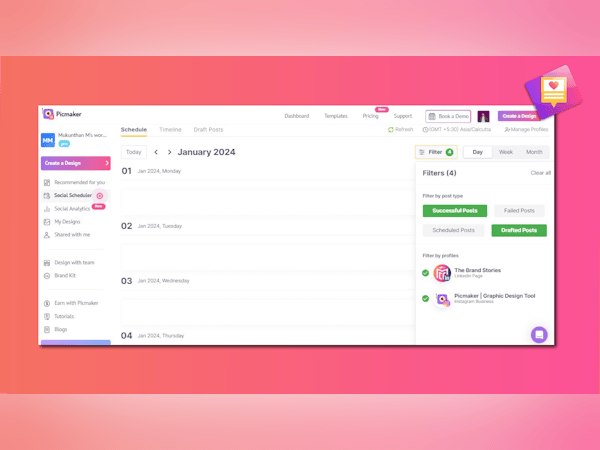
Picmaker is an AI-powered social media toolkit. It helps users create, schedule, and analyze social media content. The platform integrates with major social media channels for seamless management.
Purpose And Benefits Of Picmaker
The main purpose of Picmaker is to simplify social media management. Here are some key benefits:
- Efficiency: Streamline content creation and scheduling.
- Professional Quality: Produce high-quality graphics without a designer.
- Performance Insights: Use analytics for data-driven decisions.
- Consistency: Maintain brand consistency with reusable elements.
- Engagement: Boost social media engagement with optimized posts.
- Collaboration: Facilitate team collaboration and approval processes.
Picmaker offers several features to achieve these benefits:
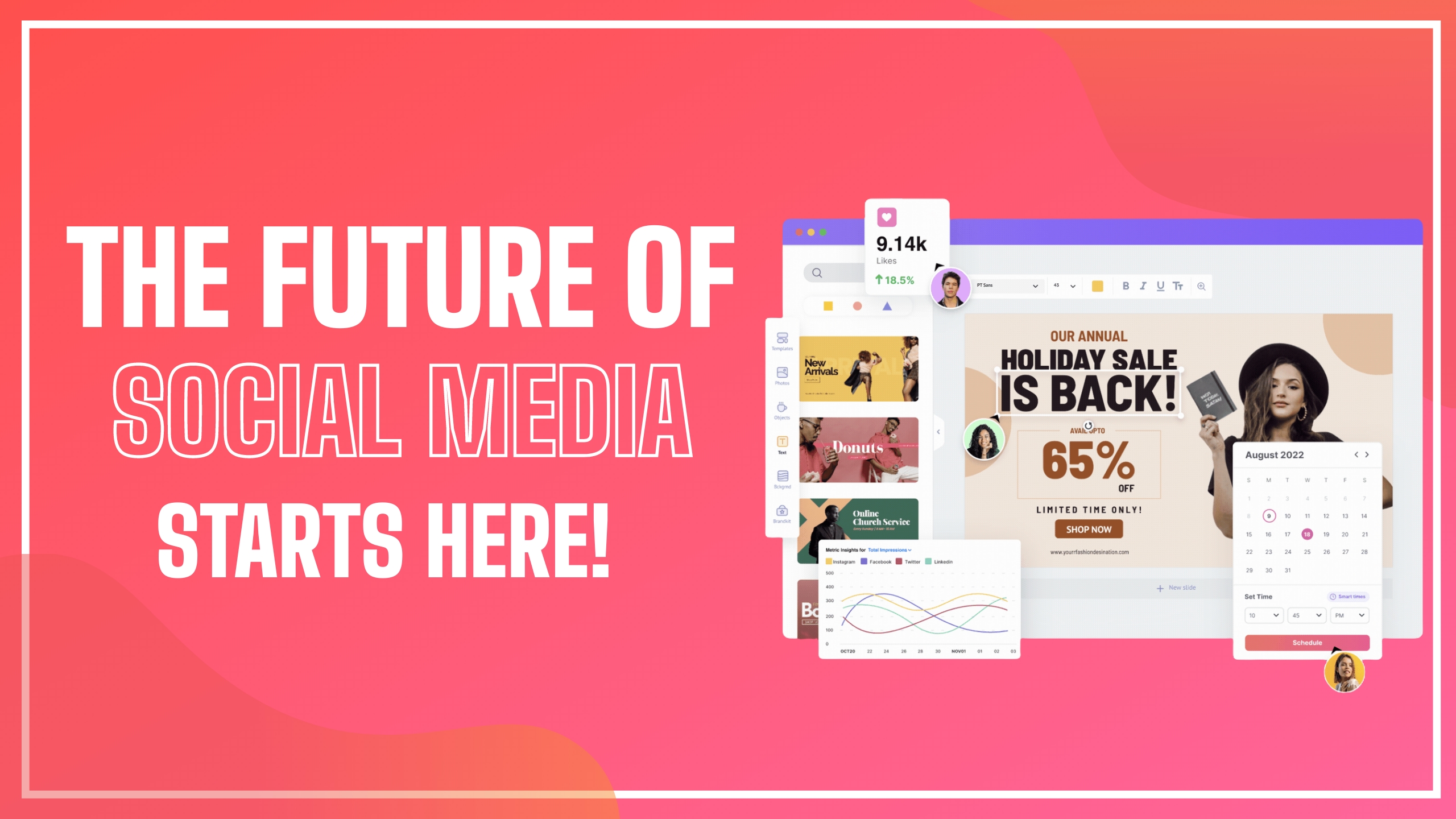
- AI-Powered Design Tools: Create personalized graphics.
- Background Removal: Remove image backgrounds quickly.
- Template Library: Access a vast array of images and fonts.
- Content Scheduling: Schedule posts for optimal times.
- In-Depth Analytics: Measure performance across platforms.
- AI Social Inbox: Manage interactions from one inbox.
- Team Collaboration: Invite team members for content creation.
- Brand Kits: Create multiple brand kits for clients.
- GDPR Compliance: Ensure data privacy and security.
Credit: www.picmaker.com
Key Features Of Picmaker
Picmaker offers a range of powerful features designed to help users create, schedule, and analyze social media content with ease. Here are some of the key features that make Picmaker an essential tool for managing your social media presence:
User-friendly Interface
Picmaker boasts a user-friendly interface that simplifies the design process. Users can navigate the platform effortlessly, even without prior design experience. The intuitive layout ensures that all tools and features are easily accessible, reducing the learning curve significantly.
Extensive Template Library
Picmaker provides an extensive template library with access to 100 million images, fonts, and graphic elements. This vast collection allows users to find the perfect template for any type of social media post, ensuring that their content stands out.
| Template Type | Examples |
|---|---|
| Social Media Posts | Facebook, Instagram, Twitter |
| Marketing Materials | Flyers, Brochures, Ads |
| Personal Projects | Invitations, Cards, Posters |
Customizable Design Elements
With Picmaker, users can personalize their designs using customizable design elements. The platform offers various options for adjusting colors, fonts, and layouts. This flexibility ensures that each design aligns with the user’s brand identity.
- Adjust colors to match brand guidelines.
- Choose from a wide range of fonts.
- Modify layouts for a unique look.
Ai-powered Design Suggestions
Picmaker’s AI-powered design suggestions help users create professional-grade graphics effortlessly. The AI analyzes design trends and provides recommendations tailored to the user’s content. This feature saves time and enhances the overall quality of the designs.
Collaborative Tools For Teams
Picmaker includes collaborative tools for teams, making it easy for multiple users to work together on content creation. Team members can share projects, provide feedback, and approve designs within the platform. This streamlined collaboration improves workflow efficiency.
- Invite team members to collaborate.
- Share projects and provide feedback.
- Approve designs within the platform.
These key features ensure that Picmaker is a comprehensive solution for managing social media content, catering to the needs of both individual users and teams.
Picmaker Pricing Plans
Choosing the right pricing plan for Picmaker can streamline your social media processes. Whether you are a small business, a growing team, or an enterprise, Picmaker offers tailored plans to meet your needs.
Free Plan Overview
The Free Plan is perfect for individuals or small businesses starting out. Here’s what you get:
- 1 user
- Access to 100 million images, fonts, and graphic elements
- Basic AI-powered design tools
- Background removal feature
- Limited content scheduling
Pro Plan Details
The Pro Plan offers more advanced features for growing teams. It includes:
| Feature | Details |
|---|---|
| Users | Up to 3 users |
| Brand Kits | 3 brand kits |
| Stock Images | 150 premium stock image credits/month |
| Social Account Connections | 36 social account connections |
| Scheduled Posts | 150 scheduled posts/month |
| Storage | 50 GB storage |
| AI-Powered Caption Generator | 200 credits/month |
| Inbox | Basic inbox with 500 comments/replies/month |
Enterprise Plan Breakdown
The Enterprise Plan is designed for larger teams and businesses. It offers:
| Feature | Details |
|---|---|
| Users | Up to 5 users |
| Brand Kits | 10 brand kits |
| Stock Images | 250 premium stock image credits/month |
| Social Account Connections | 120 social account connections |
| Scheduled Posts | 300 scheduled posts/month |
| Storage | 100 GB storage |
| AI-Powered Caption Generator | 300 credits/month |
| Inbox | AI inbox with 1,000 comments/replies/month |
Comparing Plans: Which Is Right For You?
Here’s a quick comparison to help you decide:
| Feature | Free Plan | Pro Plan | Enterprise Plan |
|---|---|---|---|
| Users | 1 | Up to 3 | Up to 5 |
| Brand Kits | 1 | 3 | 10 |
| Stock Images | Basic Access | 150 credits/month | 250 credits/month |
| Social Account Connections | Limited | 36 | 120 |
| Scheduled Posts | Limited | 150/month | 300/month |
| Storage | Basic | 50 GB | 100 GB |
| AI-Powered Caption Generator | Basic | 200 credits/month | 300 credits/month |
| Inbox | Basic | 500 comments/replies/month | 1,000 comments/replies/month |
Review your needs and pick the right plan for your business.

Credit: www.linkedin.com
Pros And Cons Of Picmaker
Picmaker is an AI-powered social media toolkit designed to simplify social media content creation, scheduling, and analysis. Let’s explore the strengths and weaknesses of Picmaker based on user reviews.
Strengths Based On User Reviews
Many users appreciate the AI-powered design tools that help create professional-grade social graphics with ease. The background removal feature is also frequently mentioned, making it simple to enhance product listings and ads.
The extensive template library offers over 100 million images, fonts, and graphic elements, providing ample resources for various design needs. Users find the content scheduling feature valuable for automating posts at optimal times, which helps maintain a consistent online presence.
Another strength is the in-depth analytics that allow users to measure performance across multiple platforms, enabling data-driven decisions. The AI social inbox is praised for managing and replying to social interactions from one place, simplifying engagement efforts.
Team collaboration is another highlight, with users enjoying the ability to invite team members to collaborate on content creation and scheduling. The brand kits feature helps maintain brand consistency, which is crucial for businesses and agencies managing multiple clients.
| Feature | Description |
|---|---|
| AI-Powered Design Tools | Create professional-grade social graphics effortlessly. |
| Background Removal | Enhance product listings and ads easily. |
| Template Library | Access 100 million images, fonts, and graphic elements. |
| Content Scheduling | Automate posts for optimal times. |
| In-Depth Analytics | Measure performance across platforms with detailed analytics. |
| AI Social Inbox | Manage social interactions from a unified inbox. |
| Team Collaboration | Collaborate on content creation and scheduling. |
| Brand Kits | Maintain brand consistency with reusable design elements. |
Areas For Improvement
While Picmaker has many strengths, there are areas where users see room for improvement. Some users feel the premium stock image credits are limited, especially for those who require more images for their projects. Increasing the number of credits could enhance the user experience.
Another area mentioned is the basic inbox which has limits on comments and replies. Some users believe that higher limits or an unlimited option would be beneficial, especially for larger businesses with more engagement.
Finally, a few users have reported that the user interface could be more intuitive. Simplifying navigation and making the platform more user-friendly could attract more users and improve overall satisfaction.
- Limited premium stock image credits
- Basic inbox limits on comments and replies
- User interface could be more intuitive
Who Should Use Picmaker?
Picmaker is an AI-powered social media toolkit that simplifies content creation, scheduling, and analysis. It integrates with major social media platforms, making it an essential tool for various users. This section explores who can benefit the most from Picmaker.
Ideal Users And Use Cases
Picmaker is designed for individuals and teams that want to enhance their social media presence. Here are some ideal users:
- Content Creators: Bloggers, vloggers, and influencers who need high-quality graphics.
- Marketing Agencies: Agencies that manage multiple clients and require efficient tools.
- Small Businesses: Business owners who want to maintain a consistent brand image.
- Social Media Managers: Professionals who handle social media accounts and need detailed analytics.
- Non-Profits: Organizations that need to engage with their audience effectively.
Picmaker offers tools that cater to various use cases:
- Graphic Design: Create stunning visuals with AI-powered design tools.
- Post Scheduling: Automate posting times for maximum engagement.
- Analytics: Track and measure social media performance.
- Team Collaboration: Work with team members to create and schedule content.
- Brand Management: Keep brand elements consistent with multiple brand kits.
Industry-specific Applications
Picmaker is versatile and can be used in various industries:
| Industry | Applications |
|---|---|
| E-commerce | Remove backgrounds for product images, create promotional graphics, schedule sales posts. |
| Healthcare | Share informative graphics, schedule health tips, manage patient interactions. |
| Education | Create engaging educational content, schedule updates, analyze engagement. |
| Real Estate | Design property listings, schedule open house announcements, track social media metrics. |
| Entertainment | Promote events, share behind-the-scenes content, manage fan interactions. |
Picmaker’s AI-powered tools and extensive template library make it a versatile choice for various industries. It helps users create, schedule, and analyze content effectively.
Frequently Asked Questions
What Are The Different Picmaker Pricing Plans?
Picmaker offers several pricing plans to suit various needs. They include a Free plan, a Pro plan, and an Enterprise plan. Each plan comes with different features and benefits tailored to different user requirements.
Is There A Free Trial For Picmaker?
Yes, Picmaker offers a free trial. This allows users to explore the features of the Pro plan. You can test the platform and see if it meets your needs before committing to a paid plan.
What Features Does Picmaker Pro Plan Include?
The Picmaker Pro plan includes advanced features. These features include unlimited downloads, premium templates, and priority support. It is designed for professionals who need more robust tools and resources.
Can I Upgrade Or Downgrade My Picmaker Plan?
Yes, you can upgrade or downgrade your Picmaker plan at any time. Simply go to your account settings. Choose the plan that best fits your current needs and budget.
Conclusion
Choosing Picmaker simplifies your social media management. Its AI tools save time. Create stunning graphics effortlessly. Schedule posts for peak engagement. Analyze performance with detailed insights. Collaborate with your team seamlessly. Picmaker offers affordable pricing tiers for every need. Explore more about Picmaker and elevate your social media game. Check out Picmaker now for streamlined social media success. Discover Picmaker here and start optimizing your social media today.
