

Understanding Drawtify pricing is essential for anyone looking to design professional graphics without breaking the bank. Drawtify, an online illustrator and vector graphic editor, offers various tools and templates to simplify the design process.
Drawtify makes design accessible to everyone. It provides a user-friendly platform packed with features like vector editing, photo editing, and animation tools. With over 1000 templates and 20K icons, it caters to both beginners and professionals. The cost-effective pricing is another draw. For a one-time payment of $79.90, users get lifetime access and updates. This is a significant saving compared to other design tools. Explore Drawtify’s pricing to see how it can fit into your creative toolkit and budget. For more details, visit Drawtify.
Introduction To Drawtify
Drawtify is a user-friendly online illustrator and vector graphic editor. It helps both designers and non-designers create professional-looking designs easily. With powerful tools and a variety of beautiful templates and design elements, Drawtify simplifies the design process.
What Is Drawtify?
Drawtify is an online vector graphic editor that allows users to create and edit vector graphics with precision. It offers a range of features designed to make design tasks easy and efficient.
| Main Features | Description |
|---|---|
| 100% Vector Editor | Create and edit vector graphics with high precision. |
| 1000+ Design Element Templates | Access a vast library of templates for various design needs. |
| 20K+ Icons and Shapes | Utilize a large collection of icons and shapes. |
| Built-in Multiple Table Editing Tools | Edit tables directly within the software. |
| Built-in Barcode Generator | Generate barcodes for your designs. |
| Fast & Precise Photo Edit | Quickly edit photos with high precision. |
| Incredible Special Effects | Apply special effects to enhance your designs. |
| Artistic Typography & Layout | Create artistic text and layouts. |
| Intuitive Animation Tools | Add animations to your designs. |
| Unlimited Layer List | Manage multiple layers for complex designs. |
Purpose And Target Audience
Drawtify is designed for both professional designers and beginners. Its ease of use and comprehensive design resources make it suitable for a wide range of users. The application allows for the creation of various designs, such as logos, infographics, flyers, posters, and more.
- Ease of Use: Suitable for both professional designers and beginners.
- Comprehensive Design Resources: Access to high-quality editable templates, elements, and plug-ins.
- Cost-Effective: One-time purchase with lifetime access and updates.
- Versatile Application: Create a wide range of designs.
Drawtify offers a cost-effective solution for creating professional-quality graphics. It provides a comprehensive suite of design tools and resources at a fraction of the cost of competitors.
Pricing Details
Drawtify offers a one-time payment of $79.90 (originally $990) for lifetime access. This includes all future updates to the Drawtify plan.
There is a 60-day money-back guarantee. You can try Drawtify for 2 months to ensure it meets your needs. Refunds are available up to 60 days from purchase.

Credit: drawtify.com
Key Features Of Drawtify
Drawtify stands out for its powerful features designed to make graphic design easy and accessible. Below are some key features that make Drawtify a preferred choice for both professional designers and beginners.
Comprehensive Design Tools
Drawtify offers a full range of design tools to create stunning graphics:
- 100% Vector Editor: Create and edit vector graphics with precision.
- Built-in Multiple Table Editing Tools: Edit tables directly within the software.
- Built-in Barcode Generator: Generate barcodes for your designs.
- Fast & Precise Photo Edit: Quickly edit photos with high precision.
- Incredible Special Effects: Apply special effects to enhance your designs.
- Intuitive Animation Tools: Add animations to your designs.
User-friendly Interface
The interface of Drawtify is designed to be intuitive and easy to navigate:
- Ease of Use: Suitable for both professional designers and beginners.
- Artistic Typography & Layout: Create artistic text and layouts easily.
- Unlimited Layer List: Manage multiple layers for complex designs.
Customizable Templates
Drawtify provides access to a vast library of templates to suit various design needs:
- 1000+ Design Element Templates: Access a wide range of templates.
- 20K+ Icons and Shapes: Utilize a large collection of icons and shapes.
Collaborative Features
Drawtify also offers features that enhance collaboration:
- Comprehensive Design Resources: Access high-quality editable templates, elements, and plug-ins.
- Cost-Effective: One-time purchase with lifetime access and updates.
- Versatile Application: Create logos, infographics, flyers, posters, and more.
Drawtify Pricing Plans
Drawtify offers different pricing plans to fit various needs. Explore the options below to find the plan that suits your design requirements.
Free Plan
The Free Plan is perfect for beginners. It allows access to basic features and a limited collection of templates and design elements. Enjoy:
- Access to basic vector editing tools
- Limited templates and design elements
- Basic photo editing capabilities
This plan is ideal for those new to graphic design.
Pro Plan
The Pro Plan is designed for more advanced users. It offers a comprehensive suite of tools, including:
- Full access to all vector editing tools
- Over 1000 design element templates
- Access to 20K+ icons and shapes
- Built-in barcode generator and table editing tools
- Advanced photo editing and special effects
This plan is available for a one-time payment of $79.90, originally priced at $990.
Enterprise Plan
The Enterprise Plan is tailored for businesses. It includes all the features of the Pro Plan, plus:
- Unlimited layer list management
- Intuitive animation tools
- Priority customer support
- Additional customization options
Contact Drawtify for detailed pricing information and to get a customized quote based on your business needs.
Comparison Of Plans
| Features | Free Plan | Pro Plan | Enterprise Plan |
|---|---|---|---|
| Basic Vector Editing Tools | ✔️ | ✔️ | ✔️ |
| Full Access to Vector Editing Tools | ✔️ | ✔️ | |
| Design Element Templates | Limited | 1000+ | 1000+ |
| Icons and Shapes | 20K+ | 20K+ | |
| Barcode Generator | ✔️ | ✔️ | |
| Table Editing Tools | ✔️ | ✔️ | |
| Photo Editing | Basic | Advanced | Advanced |
| Special Effects | ✔️ | ✔️ | |
| Animation Tools | ✔️ | ||
| Unlimited Layers | ✔️ | ||
| Priority Support | ✔️ |
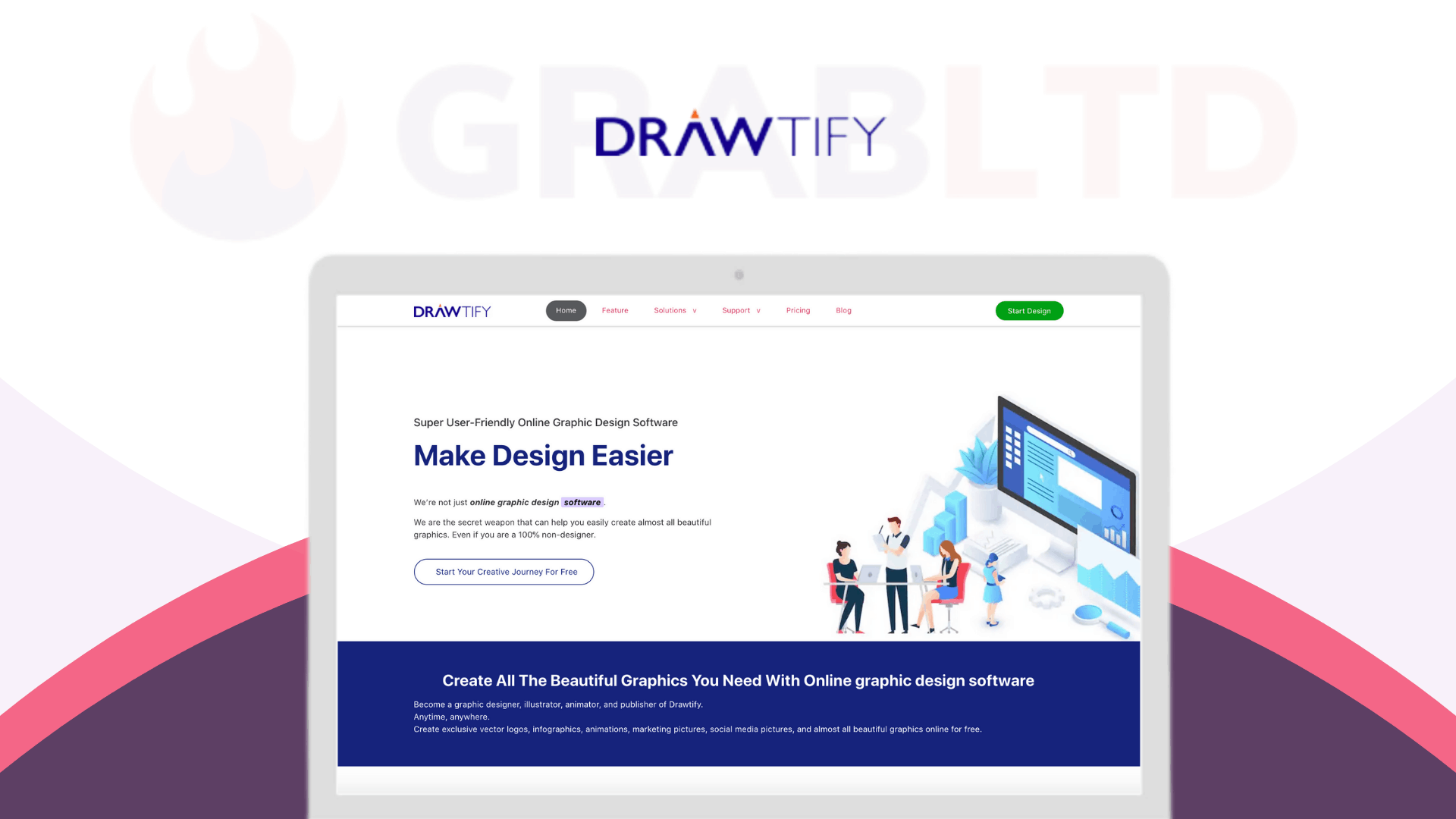
Credit: www.grabltd.com
Pros And Cons Of Drawtify
Drawtify is a user-friendly online illustrator and vector graphic editor. It offers a range of tools and templates to make designing easier for both professionals and beginners. Below, we explore the advantages and limitations of Drawtify.
Advantages Of Using Drawtify
- Ease of Use: Drawtify is suitable for both professional designers and beginners. The intuitive interface makes it easy to navigate and create designs.
- Comprehensive Design Resources: With over 1000 design element templates and more than 20,000 icons and shapes, users have a wide variety of resources at their disposal.
- Cost-Effective: Drawtify offers a lifetime deal for a one-time payment of $79.90, which includes all future updates. This is significantly cheaper than many competitors.
- Versatile Application: You can create logos, infographics, flyers, posters, and more. The software supports a wide range of design needs.
- Precision Tools: The 100% vector editor allows for precise graphic creation and editing. The fast and precise photo edit feature enhances the quality of your designs.
- Special Effects and Animation: Drawtify includes incredible special effects and intuitive animation tools, adding a dynamic element to your designs.
- Built-in Tools: Features such as the barcode generator and multiple table editing tools provide additional functionality directly within the software.
Limitations To Consider
- Learning Curve: Although user-friendly, beginners may still face a learning curve. It may take some time to fully understand all the features.
- Limited Offline Access: As an online tool, Drawtify requires an internet connection. This may be a limitation for users who prefer offline access.
- Performance: The performance of the software may depend on the speed of your internet connection. Slower connections could lead to lag or delays.
- Feature Overload: Some users may find the wide array of features overwhelming. It may take time to explore and utilize all the available tools.
Understanding the pros and cons can help you decide if Drawtify is the right tool for your design needs. Evaluate these points to make an informed decision.
Ideal Users For Drawtify
Drawtify is a versatile online illustrator and vector graphic editor. It is designed to cater to a wide range of users. Its user-friendly interface and powerful features make it suitable for various professionals and organizations. Below are some ideal users for Drawtify:
Freelance Designers
Freelance designers benefit greatly from Drawtify’s features. The 100% vector editor enables precise creations. The access to 1000+ design element templates and 20K+ icons and shapes allows freelancers to produce high-quality work efficiently.
Freelancers can save time with the built-in barcode generator and multiple table editing tools. Additionally, the fast & precise photo edit feature ensures quick adjustments. With a one-time payment of $79.90, Drawtify offers a cost-effective solution for freelancers.
Small Businesses
Small businesses often have limited budgets for design tools. Drawtify’s one-time payment of $79.90 provides lifetime access and updates. This is a great deal compared to other expensive software.
Businesses can create a wide range of materials. These include logos, infographics, flyers, and posters. The artistic typography & layout and incredible special effects enhance the visual appeal of these designs. The intuitive animation tools are also ideal for creating engaging content for social media and websites.
Marketing Teams
Marketing teams require versatile and powerful tools to create effective campaigns. Drawtify offers a comprehensive suite of tools. These include a vast library of editable templates and design elements. This helps in creating visually appealing marketing materials quickly.
The unlimited layer list feature is perfect for managing complex designs. Teams can collaborate and create stunning visuals without hassle. The ease of use ensures that even team members with minimal design experience can produce professional-quality graphics.
Educational Institutions
Educational institutions can leverage Drawtify for various purposes. Teachers and students can use it to create educational materials and presentations. The comprehensive design resources make it easy for users at all skill levels.
With the 60-day money-back guarantee, institutions can try Drawtify risk-free. This ensures it meets their needs before making a long-term commitment. The lifetime deal offers a cost-effective way to access a powerful design tool.

Credit: drawtify.com
Frequently Asked Questions
What Are Drawtify Pricing Plans?
Drawtify offers various pricing plans to suit different needs. These include a free plan, a monthly plan, and an annual plan.
Does Drawtify Offer A Free Trial?
Yes, Drawtify provides a free trial. This allows you to explore its features before committing to a paid plan.
Are Drawtify’s Plans Affordable?
Drawtify’s plans are competitively priced. They are designed to be affordable for both individuals and businesses.
Can I Cancel My Drawtify Subscription?
Yes, you can cancel your Drawtify subscription at any time. There are no long-term commitments required.
Conclusion
Choosing the right design tool is crucial for creative projects. Drawtify offers a powerful yet affordable solution. Its user-friendly interface and extensive design resources make it accessible to all skill levels. With a one-time payment of $79.90, you get lifetime access and updates. The 60-day money-back guarantee ensures a risk-free investment. Ready to elevate your design game? Check out Drawtify here.
