

Is Drawtify worth it? Absolutely, it offers a wide range of features at a reasonable price.
For $79.90, you get lifetime access and all future updates, making it a cost-effective choice for designers. Drawtify is a user-friendly online illustrator and vector graphic editor. It comes packed with over 1000 design templates, 20K+ icons and shapes, and access to 100M+ HD photos. This tool is ideal for content creators, freelancers, and graphic designers seeking an affordable alternative to Adobe Illustrator or Canva. With features like artistic typography, intuitive animation tools, and a barcode generator, creating professional designs becomes easy and quick. Its one-time payment includes a 60-day money-back guarantee, giving you peace of mind with your purchase. Learn more and consider trying Drawtify by visiting Drawtify.
Introduction To Drawtify
Are you searching for a versatile and user-friendly graphic design tool? Drawtify might be the solution you need. This online illustrator and vector graphic editor promises to simplify the design process while offering professional results. Let’s explore what Drawtify is all about and who it is designed for.
What Is Drawtify?
Drawtify is an online illustrator and vector graphic editor. It is designed to make creating professional-looking designs easy and accessible for everyone. With a range of powerful features, it can handle various design tasks.
| Main Features |
|---|
| 100% Vector Editor |
| 1000+ design element templates |
| 20K+ icons and shapes |
| Built-in multiple table editing tools |
| Built-in barcode generator |
| Fast & Precise Photo Edit |
| Incredible Special Effects |
| Artistic Typography & Layout |
| Intuitive Animation Tools |
| Unlimited Layer List |
| High-quality editable design templates |
| Extensive design resources including art texts, icons, shapes, infographic elements, barcodes, charts, diagrams, and maps |
| Access to 100M+ HD photos |
| Integrations with Unsplash |
Purpose And Target Audience
Drawtify’s purpose is to enable quick creation of professional designs without the steep learning curve. It is a suitable alternative to Adobe Illustrator, Canva, and Visme.
Drawtify offers a variety of design templates and elements, making it an ideal choice for:
- Content creators
- Freelancers
- Graphic designers
Here are some of the benefits of using Drawtify:
- Easy to use
- Access to a wide range of design resources
- Lifetime access with a one-time payment
- 60-day money-back guarantee
Drawtify provides a cost-effective and efficient solution for anyone looking to create stunning designs effortlessly.
Credit: www.dealfuel.com
Key Features Of Drawtify
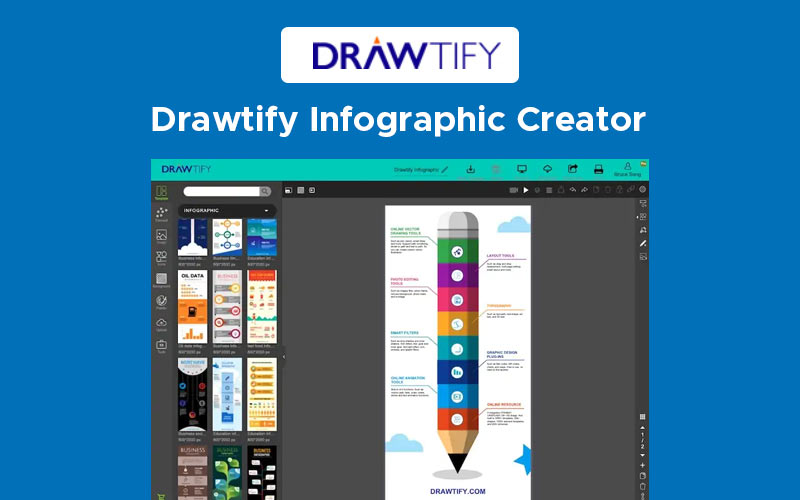
Drawtify is an online illustrator and vector graphic editor designed to create professional designs with ease. It offers a range of features that cater to both beginners and advanced users. Below are some of the key features that make Drawtify stand out.
User-friendly Interface
The user-friendly interface of Drawtify allows anyone to start designing without a steep learning curve. The layout is intuitive, making it easy to find and use various tools and elements. This ensures that even beginners can create stunning designs with minimal effort.
Extensive Template Library
Drawtify comes with an extensive template library that includes over 1000 design element templates and 20,000+ icons and shapes. These templates cover a wide range of categories, making it easy to find the right design for any project. Whether you’re creating a logo, infographic, or social media post, you’ll find a template to suit your needs.
| Template Type | Number Available |
|---|---|
| Design Element Templates | 1000+ |
| Icons and Shapes | 20,000+ |
Advanced Vector Editing Tools
Drawtify is a 100% vector editor, which means you can create scalable graphics without losing quality. The software includes advanced tools for precise vector editing, ensuring your designs are professional and polished. The built-in photo editing tools and special effects add further versatility to your design capabilities.
Customizable Animations
One of the standout features of Drawtify is its intuitive animation tools. These allow you to add animations to your designs, making them more engaging. Whether you’re creating a presentation, animated infographic, or social media content, the customizable animations will help bring your designs to life.
Cloud-based Collaboration
Drawtify supports cloud-based collaboration, which is ideal for teams. You can easily share your designs with others, get feedback, and make edits in real-time. This feature is particularly useful for freelancers and content creators working with clients remotely.
- Real-time collaboration
- Easy sharing and feedback
- Accessible from any device
Pricing And Affordability
Drawtify is a powerful online illustrator and vector graphic editor. Its pricing and affordability make it a viable choice for many users. Let’s delve into the details.
Subscription Plans
Drawtify offers a one-time payment option of $79.90, significantly discounted from its original price of $990. This plan provides lifetime access to the Drawtify Plan and includes all future updates. This pricing structure eliminates the need for recurring payments, making it an attractive option for budget-conscious users.
Free Vs. Paid Features
| Feature | Free Version | Paid Version |
|---|---|---|
| Vector Editor | Limited | 100% Access |
| Design Elements | Limited | 1000+ Templates |
| Icons and Shapes | Limited | 20K+ Icons & Shapes |
| HD Photos | Limited | Access to 100M+ Photos |
| Special Effects | Limited | Incredible Effects |
| Animation Tools | Not Available | Intuitive Tools |
The free version of Drawtify provides basic access to some features. However, the paid version unlocks the full potential of the software. It includes advanced tools and extensive design resources.
Value For Money
The one-time payment of $79.90 offers exceptional value. Users receive lifetime access to an extensive suite of design tools and resources. Compared to other design software, Drawtify is a cost-effective alternative. It is particularly suitable for content creators, freelancers, and graphic designers.
Drawtify’s pricing structure, combined with its rich feature set, makes it a worthwhile investment. The 60-day money-back guarantee also ensures a risk-free trial period.
Credit: drawtify.com
Pros And Cons Of Drawtify
Drawtify is an online illustrator and vector graphic editor. It offers various features and tools. But is it worth it? Let’s dive into the pros and cons of Drawtify.
Pros: Efficiency And Versatility
Drawtify stands out for its efficiency and versatility. It includes a 100% vector editor and over 1000 design element templates. This helps in creating professional designs quickly.
- Access to 20K+ icons and shapes
- Built-in barcode generator
- Fast & precise photo editing
- Artistic typography and layout tools
Drawtify also provides extensive design resources. These include art texts, infographic elements, charts, diagrams, and maps. Users have access to 100M+ HD photos via integration with Unsplash.
| Feature | Benefit |
|---|---|
| Intuitive Animation Tools | Create animated designs with ease |
| Unlimited Layer List | Manage complex designs efficiently |
| High-quality Editable Templates | Start your design projects quickly |
This makes Drawtify an ideal tool for content creators, freelancers, and graphic designers.
Cons: Learning Curve And Limitations
While Drawtify is user-friendly, it has a learning curve. Beginners might find it challenging to master all its features initially.
- Complex interface for new users
- Overwhelming number of tools and options
Despite its many features, Drawtify has some limitations. It may not completely replace more advanced tools like Adobe Illustrator for professional designers. Some users might find the range of design elements insufficient for highly specialized tasks.
Overall, Drawtify offers a mix of strengths and weaknesses. It is a valuable tool for many, but not without its challenges.
Recommendations For Ideal Users
Drawtify is a powerful online illustrator and vector graphic editor. It offers an array of features to simplify the design process. But who would benefit most from this tool? Let’s explore.
Who Will Benefit Most?
- Content Creators: Drawtify is perfect for content creators. It allows them to create professional graphics quickly. The extensive library of templates, icons, and shapes makes design work easier.
- Freelancers: Freelancers will find Drawtify valuable. It provides a cost-effective solution compared to Adobe Illustrator. The one-time payment option makes it an attractive choice for budget-conscious users.
- Graphic Designers: Graphic designers will appreciate the advanced features. The 100% vector editor and high-quality templates help create stunning visuals. The intuitive animation tools add an extra layer of creativity.
Best Use Cases For Drawtify
Drawtify shines in various scenarios. Here are some of the best use cases:
| Use Case | Description |
|---|---|
| Social Media Graphics | Create engaging social media posts with ease. Use templates and icons to make your posts stand out. |
| Marketing Materials | Design flyers, brochures, and posters. The extensive design resources help create impactful marketing materials. |
| Infographics | Produce informative and visually appealing infographics. Use charts, diagrams, and infographic elements available in Drawtify. |
| Animated Graphics | Make your designs come to life with animation tools. Perfect for creating GIFs and interactive content. |
| Business Presentations | Create professional presentations with artistic typography and layout features. Impress your audience with well-designed slides. |
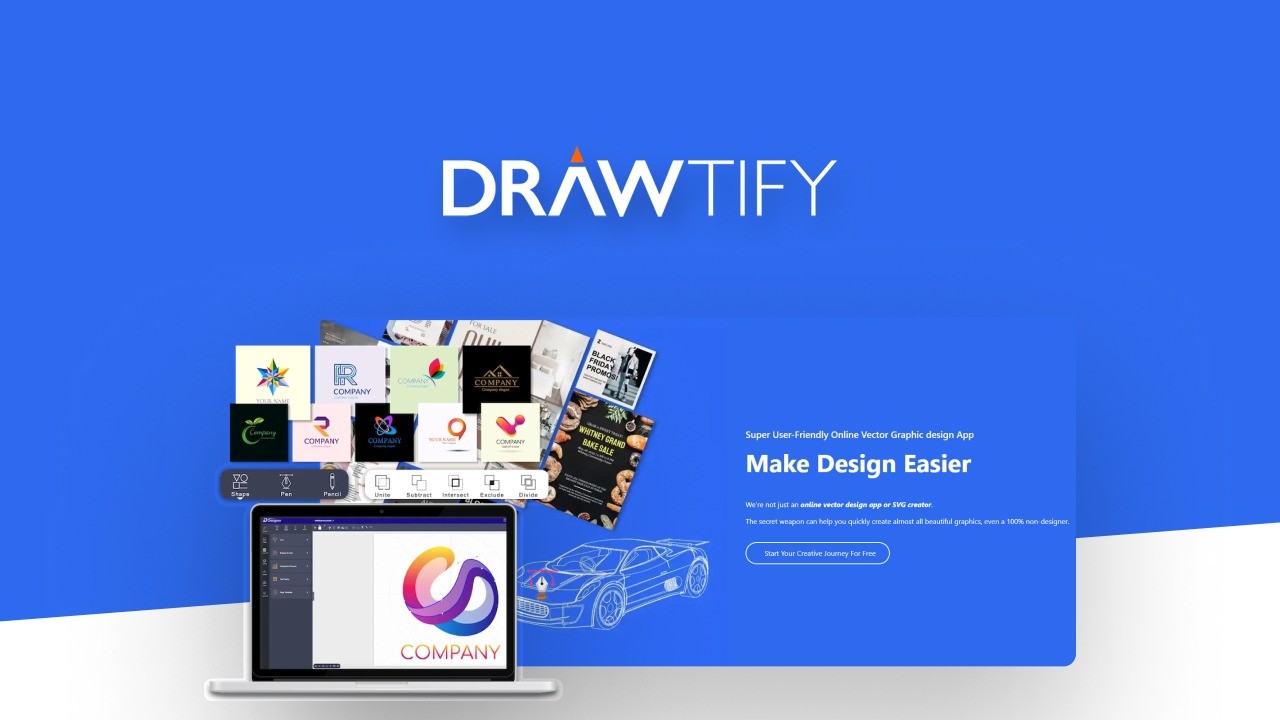
Drawtify is not just another graphic design tool. It is a comprehensive solution for various design needs. Whether you are a content creator, freelancer, or graphic designer, Drawtify offers the tools to enhance your projects.
Credit: appsumo.com
Frequently Asked Questions
What Is Drawtify?
Drawtify is a versatile graphic design tool. It offers features for creating logos, infographics, and animations. It’s user-friendly and suitable for beginners.
Is Drawtify Easy To Use?
Yes, Drawtify is designed for ease of use. Its intuitive interface makes it accessible for beginners. No design experience is needed.
What Features Does Drawtify Offer?
Drawtify offers various features. These include vector editing, animation, and template customization. It’s suitable for multiple design needs.
Is Drawtify Free To Use?
Drawtify offers both free and paid versions. The free version includes basic features. The paid version unlocks advanced tools.
Conclusion
Drawtify offers a versatile and user-friendly design platform. Its extensive features, including vector editing and numerous templates, make it a strong competitor in the graphic design market. The lifetime access at an affordable price adds great value. Suitable for content creators, freelancers, and designers, Drawtify simplifies the design process. Ready to try it? Click here to learn more.
