

In today’s digital age, managing vast amounts of information can be overwhelming. Enter MyMemo, an AI-driven knowledge management tool designed to streamline and centralize your data.
This powerful tool turns digital chaos into structured insights, enhancing organization and retrieval like never before. MyMemo offers a suite of innovative features. It integrates cognitive tools for deep data analysis, provides interactive engagement with stored knowledge, and supports diverse content formats. Whether you deal with texts, PDFs, videos, or images, MyMemo has you covered. It helps extract key insights from complex datasets quickly and transforms raw data into actionable intelligence. With MyMemo, rediscovering and engaging with your stored knowledge becomes easier and more productive. Discover MyMemo and enhance your digital memory today.
Introduction To Mymemo
Welcome to the world of MyMemo, an AI-driven knowledge management tool that transforms how you handle digital information. MyMemo centralizes your data, making it easier to organize, retrieve, and interact with your knowledge.
What Is Mymemo?
MyMemo is an advanced tool designed to help you manage digital information efficiently. It leverages AI to turn data chaos into structured insights. Its features include:
- Enhanced Cognitive Integration: AI-driven tools for deeper analysis and structured information storage.
- Interactive Knowledge Engagement: Simple, intuitive queries for efficient information discovery.
- Diverse Content Integration: Manage texts, PDFs, videos, and images in one platform.
- Advanced Content Analysis: Extract key insights from complex datasets quickly.
- Revolutionary Recall with MemoCast: Dynamic re-presentation of stored knowledge.
Purpose And Vision
The purpose of MyMemo is to centralize and streamline your digital knowledge. Its vision is to enhance your interaction with information using advanced AI tools. Here are the main goals:
- Centralize Digital Knowledge: Manage diverse types of content in a single platform.
- Improve Productivity: Efficient data management and retrieval.
- Extract Key Insights: Utilize actionable intelligence from data.
- Innovative Engagement: Rediscover and engage with stored knowledge in new ways.
MyMemo aims to build a Personal Knowledge Assistant for natural information retrieval. It also plans to enhance support for more content types, improving user experience continually.
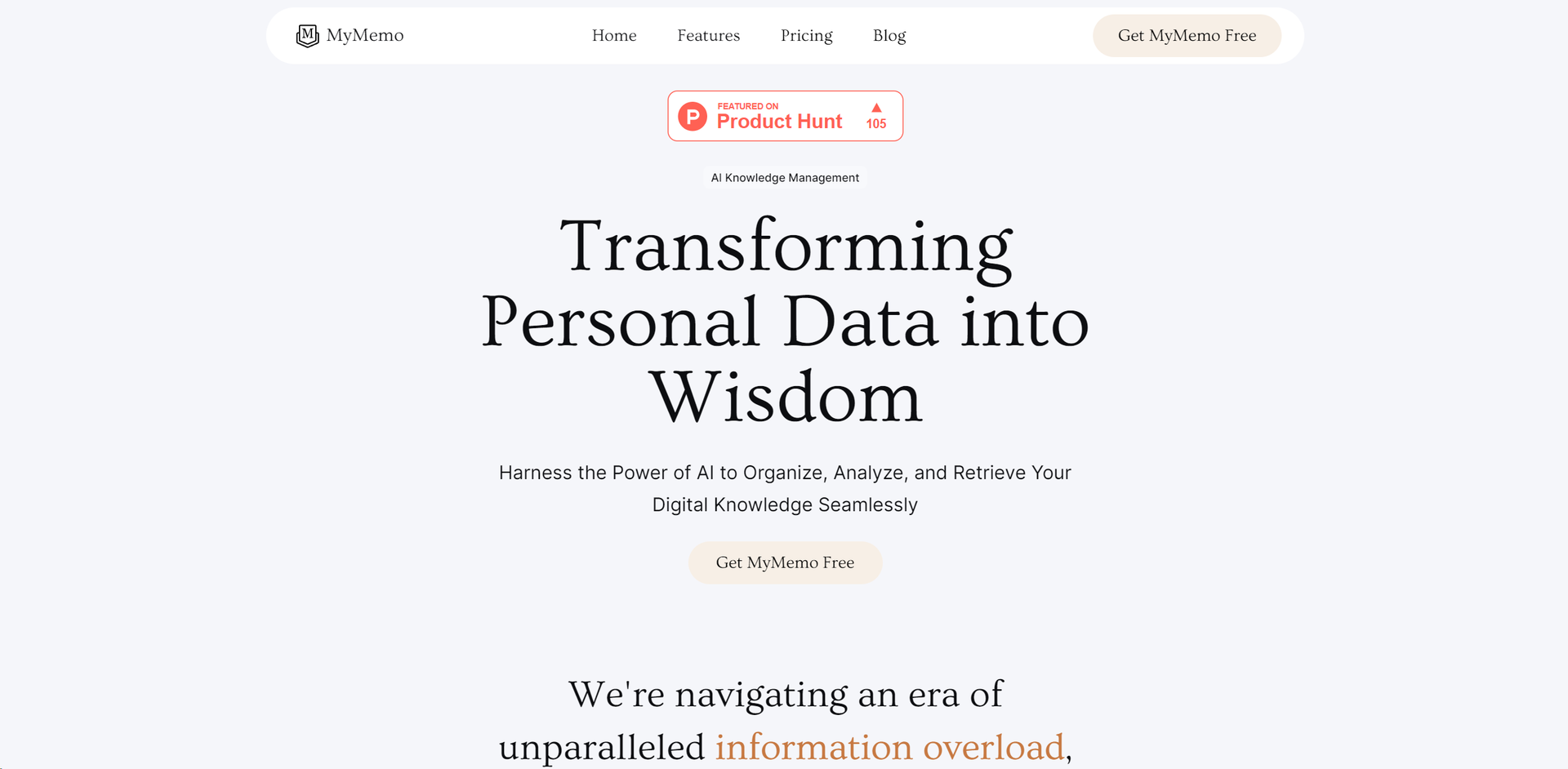
Credit: www.futurepedia.io
Key Features Of Mymemo
Discover the essential features that make MyMemo a powerful AI-driven knowledge management tool. These features are designed to enhance your digital memory and streamline your data management process.
MyMemo offers a user-friendly interface that allows users to navigate easily. The design is intuitive, making it simple for anyone to use, regardless of their tech skills. The interface is clean and organized, ensuring a seamless user experience.
With MyMemo, users can access a variety of customizable templates. These templates help in structuring and organizing information efficiently. Customize templates to suit your unique needs, whether for personal projects or professional tasks.
MyMemo supports real-time collaboration, allowing multiple users to work on the same document simultaneously. This feature is perfect for team projects, ensuring that all members stay on the same page. Changes are updated instantly, facilitating smooth collaboration.
The task management and reminders feature in MyMemo helps users stay organized and on track. Create tasks, set deadlines, and receive reminders to ensure that nothing falls through the cracks. This feature enhances productivity and helps manage time effectively.
MyMemo integrates seamlessly with other tools, enhancing its functionality. Connect MyMemo with your favorite apps to streamline your workflow. This integration capability ensures that all your tools work together harmoniously, improving efficiency.
| Feature | Description |
|---|---|
| User-Friendly Interface | An intuitive and clean design for easy navigation. |
| Customizable Templates | Variety of templates that can be tailored to your needs. |
| Real-Time Collaboration | Multiple users can work on the same document at once. |
| Task Management and Reminders | Create tasks, set deadlines, and receive reminders. |
| Integration with Other Tools | Seamless integration with other apps for a smooth workflow. |
User-friendly Interface
MyMemo offers a user-friendly interface that enhances the overall experience of managing digital information. The interface is designed to be intuitive, allowing users to easily navigate through various features and functionalities. This makes MyMemo an excellent choice for both tech-savvy individuals and those who are less familiar with digital tools.
Intuitive Design
The interface of MyMemo is built with an intuitive design. This means users can quickly understand how to use the platform without the need for extensive instructions. The design is clean and organized, ensuring that all the tools and features are easily accessible.
Here are some key aspects of the intuitive design:
- Simple Layout: The layout is straightforward, with clear sections for different types of content.
- Visual Cues: Icons and visual cues guide users through the platform, making it easy to find what they need.
- Interactive Elements: Interactive elements, such as buttons and tabs, are designed to be easily clickable and responsive.
Easy Navigation
MyMemo’s easy navigation enhances user experience by making it simple to move between different sections of the platform. Users can effortlessly switch between managing texts, PDFs, videos, and images.
Key navigation features include:
- Search Functionality: An intelligent search bar allows users to quickly find specific information.
- Menu Options: Clearly labeled menu options help users locate various features and settings.
- Breadcrumbs: Breadcrumbs provide a clear path of navigation, showing users where they are within the platform.
With these features, MyMemo ensures that users spend less time searching and more time managing their digital knowledge efficiently.
Customizable Templates
One of the standout features of MyMemo is its customizable templates. This feature empowers users to tailor their information organization to their unique needs. Whether you are a student, a professional, or a creative, MyMemo offers a variety of templates that can be personalized to suit your specific requirements.
Variety Of Templates
MyMemo provides an extensive collection of templates designed to manage different types of content. You can find templates for:
- Text Documents: Perfect for notes, articles, and reports.
- PDFs: Ideal for storing and organizing research papers and eBooks.
- Images: Suitable for visual data and creative projects.
- Videos: Great for multimedia content and tutorials.
| Template Type | Best For |
|---|---|
| Text Documents | Notes, articles, reports |
| PDFs | Research papers, eBooks |
| Images | Visual data, creative projects |
| Videos | Multimedia content, tutorials |
Personalization Options
MyMemo allows you to personalize templates to fit your workflow and preferences. You can:
- Customize Layout: Adjust the layout to highlight the most critical information.
- Add Tags: Use tags for easy categorization and retrieval.
- Set Reminders: Add reminders to keep track of important deadlines.
- Insert Media: Integrate images, videos, and links to enrich your content.
This level of personalization ensures that your digital memory is not just organized, but also optimized for your productivity. With MyMemo, your information is structured in a way that makes sense to you, enhancing your ability to recall and use the stored knowledge effectively.
Real-time Collaboration
With MyMemo, real-time collaboration becomes a seamless and intuitive experience. The platform allows team members to work together efficiently, sharing insights and feedback instantly. This ensures that everyone stays on the same page and contributes to the collective knowledge base in real time.
Team Collaboration
MyMemo offers tools that enhance team collaboration by making it easy to share and organize information. Teams can create and manage memos collectively, ensuring that everyone has access to the most recent data and insights.
- Centralized memo collections for teams
- Real-time updates and notifications
- Collaborative editing and content creation
Feedback And Comments
The platform allows users to leave feedback and comments on shared memos, facilitating an open dialogue and continuous improvement of ideas. This feature helps capture valuable input from all team members, enhancing the overall quality of the shared knowledge.
- Commenting on specific sections of memos
- Tracking feedback history
- Instant notifications for new comments
Task Management And Reminders
Managing tasks and remembering important dates can be overwhelming. The MyMemo feature simplifies this with its efficient task management and automated reminders. Let’s explore how these features can help streamline your daily activities.
Task Creation
Creating tasks in MyMemo is straightforward. With a few clicks, you can add tasks, set priorities, and assign deadlines. This ensures that all your important activities are organized and easily accessible.
- Easy Input: Add tasks quickly with user-friendly input fields.
- Priority Settings: Assign priority levels to tasks to manage your workload effectively.
- Deadlines: Set deadlines to ensure timely completion of tasks.
Here’s a quick example of how you can create tasks:
1. Open MyMemo.
2. Click on "Add Task".
3. Enter task details.
4. Set priority and deadline.
5. Save the task.
Automated Reminders
Never miss a deadline again with MyMemo’s automated reminders. These reminders help you stay on track and manage your time effectively.
| Reminder Type | Description |
|---|---|
| Email Reminders | Receive task reminders directly in your inbox. |
| Push Notifications | Get instant reminders on your device. |
| In-App Alerts | View reminders within the MyMemo app. |
Setting up reminders is just as easy as creating tasks:
- Select the task.
- Choose the reminder type.
- Set the reminder time.
- Save the reminder.
With MyMemo, managing tasks and keeping track of important dates has never been easier. Stay organized and productive with these powerful features.
Integration With Other Tools
MyMemo is designed to enhance your digital memory by centralizing data. One of its standout features is its integration capabilities. This ensures smooth operation with other tools, making your workflow more efficient.
Seamless Integration
MyMemo offers seamless integration with various tools. Whether you’re working with texts, PDFs, videos, or images, MyMemo can handle it all. This ensures that no matter the content type, you can manage it within a single platform.
Thanks to its AI-driven tools, MyMemo can analyze and store information effectively. This makes it easy to retrieve data whenever you need it. The adaptive AI algorithms ensure that data organization is always optimal.
Compatibility With Popular Apps
MyMemo is compatible with popular apps that you use daily. This includes tools for productivity, communication, and content creation. Integrating MyMemo with these apps ensures a smooth data flow across different platforms.
Here is a table to illustrate the compatibility:
| App Type | Examples | Integration Benefit |
|---|---|---|
| Productivity | Google Docs, Microsoft Office | Centralized document management |
| Communication | Slack, Microsoft Teams | Streamlined information sharing |
| Content Creation | Canva, Adobe Creative Cloud | Unified content storage |
Integrating MyMemo with these tools enhances your productivity. It ensures that all your data is accessible from one place, saving you time and effort.
MyMemo’s compatibility and integration capabilities make it a valuable asset for anyone looking to manage their digital information efficiently.
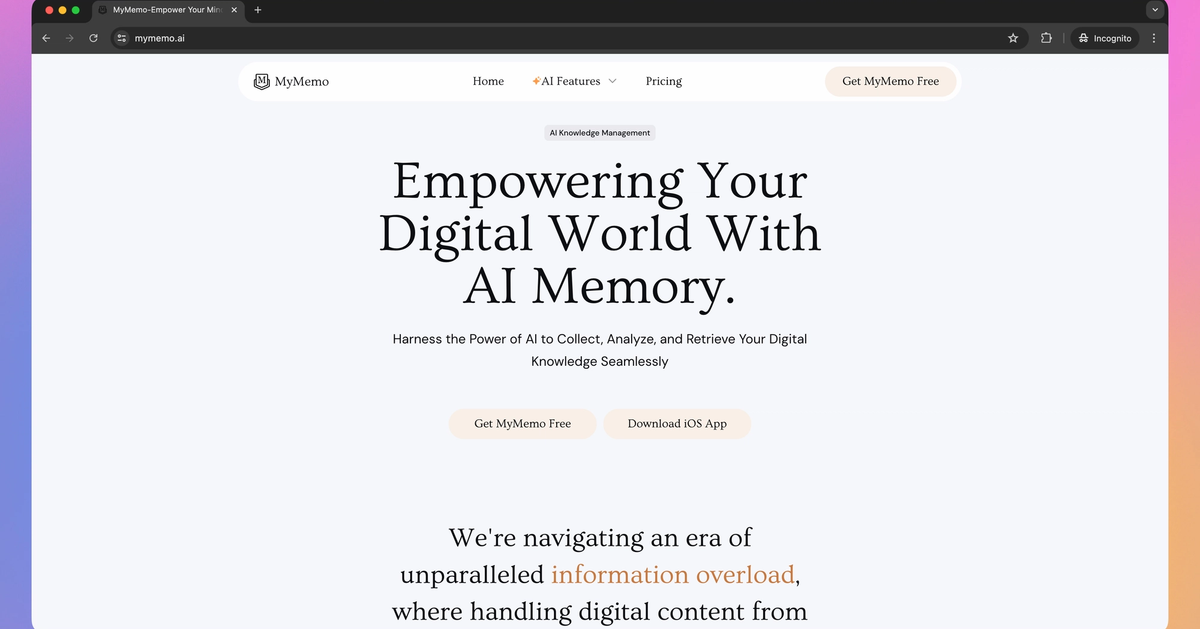
Credit: aitools.inc
Pricing And Affordability
MyMemo offers competitive pricing plans designed to cater to different user needs. With a range of affordable options, users can access the powerful features of this AI-driven knowledge management tool. Whether you are a casual user or need extensive features, MyMemo has a plan that fits your budget.
Pricing Tiers
MyMemo provides three distinct pricing tiers, each with a set of features to enhance your digital memory management experience. Below is a table summarizing the details of each plan:
| Plan | Price | Features |
|---|---|---|
| Plan 1 | $29 (original price $71, 59% off) |
|
| Plan 2 | $58 (original price $142, 59% off) |
|
| Plan 3 | $87 (original price $213, 59% off) |
|
Free Vs. Paid Versions
MyMemo offers both free and paid versions, allowing users to choose based on their needs and budget. Here’s a comparison of what you get with each:
- Free Version: Limited features, suitable for personal use.
- Paid Versions: Access to all advanced features, higher limits, and AI-powered tools.
With the free version, users can get a taste of MyMemo’s capabilities. The paid versions unlock full potential, providing enhanced productivity and deeper insights.
For those seeking extensive features and unlimited access, the paid plans offer significant value with a one-time purchase, ensuring long-term benefits without recurring costs.
Pros And Cons Of Mymemo
MyMemo is a powerful AI-driven tool designed to manage digital information efficiently. It offers a suite of features to centralize and streamline data management, transforming chaos into structured insights. Understanding the pros and cons can help users make informed decisions about its use.
Advantages
- Enhanced Cognitive Integration: MyMemo uses AI-driven tools for deeper analysis and structured information storage. It employs adaptive AI algorithms for effective data organization and intelligent search functionalities for swift information retrieval.
- Interactive Knowledge Engagement: MyMemo includes MemoAi for intuitive interaction with stored data. Users can perform simple, intuitive queries to discover information efficiently and gain AI-driven insights to improve productivity.
- Diverse Content Integration: The platform allows managing texts, PDFs, videos, and images within a unified platform. It ensures seamless integration across different content formats.
- Advanced Content Analysis: MyMemo can extract key insights from complex datasets quickly. It can summarize large volumes of information and transform raw data into actionable intelligence.
- Revolutionary Recall with MemoCast: MyMemo offers dynamic re-presentation of stored knowledge. This feature enhances learning and retention with tailored content delivery.
Disadvantages
- Learning Curve: Some users might find it challenging to get accustomed to the AI-driven functionalities initially. Although the tool is designed to be intuitive, its advanced features may require some time to master.
- Content Upload Limitations: Depending on the pricing plan, there are restrictions on the number of content uploads per month. Plan 1 allows 1,000 uploads, Plan 2 allows 2,000 uploads, and Plan 3 offers unlimited uploads.
- File Size Limitations: There are limitations on single PDF file sizes. Plan 1 supports up to 10MB, while Plans 2 and 3 support up to 20MB.
- Cost: While the one-time purchase plans offer significant discounts, the initial cost might be considered high for some users. Plan 1 is priced at $29, Plan 2 at $58, and Plan 3 at $87.
Overall, MyMemo is a robust tool that provides numerous benefits for managing digital information. Understanding its pros and cons can help users decide if it aligns with their needs.
Who Should Use Mymemo?
Mymemo is an AI-driven knowledge management tool. It is designed to help users manage digital information efficiently. But who exactly benefits the most from using MyMemo? Let’s explore the ideal users and best use scenarios.
Ideal Users
Mymemo is perfect for anyone who handles large amounts of digital information. This includes:
- Researchers: They can use MyMemo to organize and retrieve research data quickly.
- Students: MyMemo helps students manage notes, PDFs, videos, and images.
- Professionals: Ideal for professionals needing to store and search through vast amounts of documents.
- Content Creators: Useful for managing diverse content types in one platform.
- Businesses: Enhance productivity by centralizing and streamlining knowledge management.
Best Use Scenarios
There are several scenarios where MyMemo proves highly effective:
- Research Projects: Store and analyze research data, making retrieval easier with intelligent search functionalities.
- Study and Revision: Students can interact with stored data using MemoAi, improving learning and retention.
- Content Management: Manage texts, PDFs, videos, and images within a unified platform.
- Data Analysis: Extract key insights from complex datasets and summarize large volumes of information.
- Project Management: Enhance productivity through efficient data management and retrieval.

Credit: mymemo.ai
Frequently Asked Questions
What Is Mymemo Feature?
Mymemo Feature is a digital tool designed to help users manage and organize their notes efficiently. It offers a user-friendly interface.
How Does Mymemo Feature Work?
Mymemo Feature allows users to create, edit, and organize their notes. It supports multimedia and provides easy access to saved memos.
Can I Access Mymemo Feature On Mobile?
Yes, Mymemo Feature is accessible on both mobile and desktop devices. It syncs across platforms seamlessly.
Is Mymemo Feature Free To Use?
Mymemo Feature offers a free version with basic functionalities. There are premium options available for advanced features.
Conclusion
Elevate your digital organization with MyMemo. This AI-driven tool transforms chaos into structured insights. Improve productivity and manage diverse content easily. MyMemo simplifies data retrieval, making your life easier. Try it now and experience streamlined knowledge management. Visit MyMemo today.
